Keep Your WiFi On: Router Battery Backup Guide
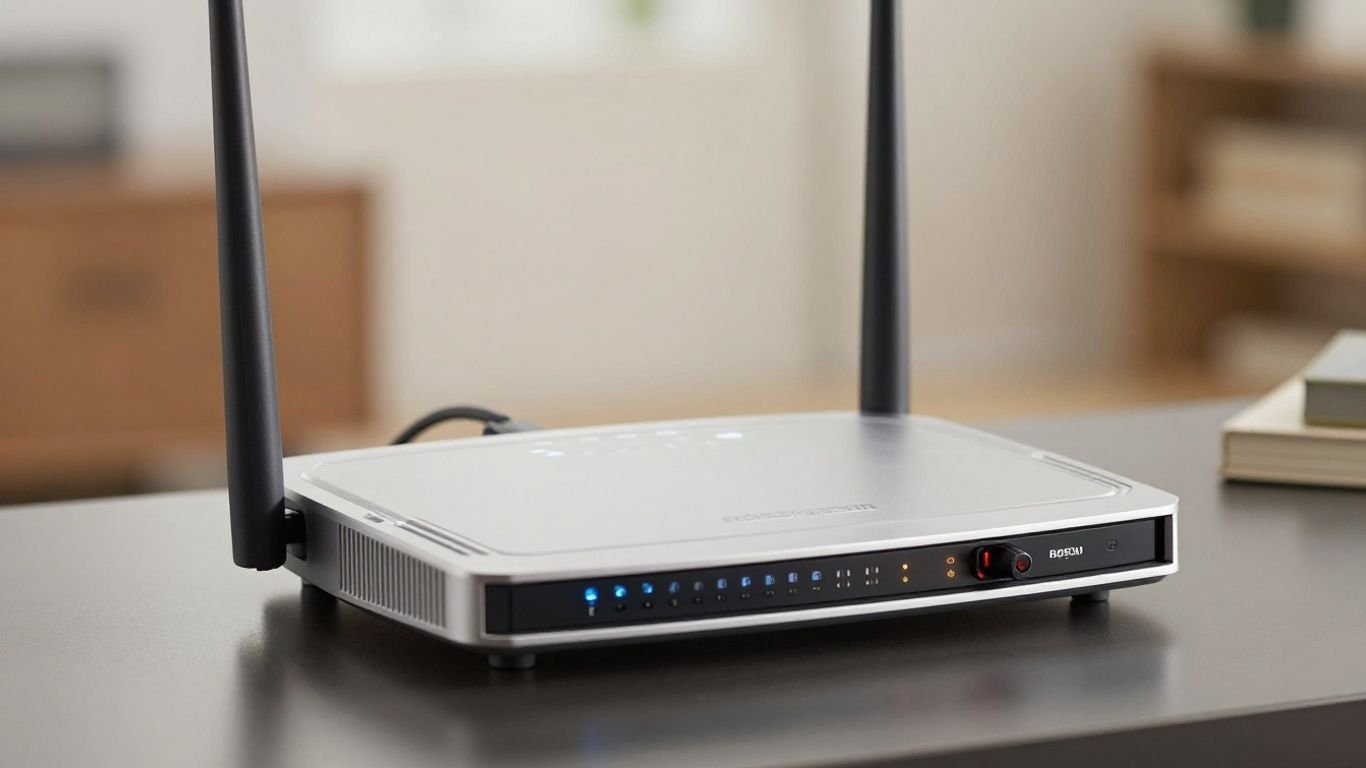
Power flickers and outages can really throw a wrench in your day, especially when you’re trying to get work done or just relax online. It’s super frustrating when your Wi-Fi suddenly cuts out, right? Well, there’s a way to keep your internet humming along even when the lights go out. We’re talking about battery backups for your router and modem. Think of it as a little power reserve just for your internet gear. This guide is all about helping you figure out the best battery backup for your internet router so you don’t get left in the digital dark.
Key Takeaways
- A battery backup for your Wi-Fi router is essential to keep your internet connection running during power outages, preventing disruptions to work, communication, and entertainment.
- Different types of battery backups exist, including compact Mini UPS DC units for single devices, standard AC UPS for multiple devices, and versatile portable power stations.
- When choosing the best battery backup for your internet router, consider the router’s power consumption, desired runtime, and the number of devices you need to power.
- For complete internet continuity, remember to power both your modem and your router, as both are necessary for your connection to function.
- Advanced considerations like pure sine wave output protect sensitive equipment, and for extended outages, whole-house generators or solar integration might be necessary.
Understanding Router Battery Backup Essentials
Why Your Wi-Fi Router Needs Dedicated Power
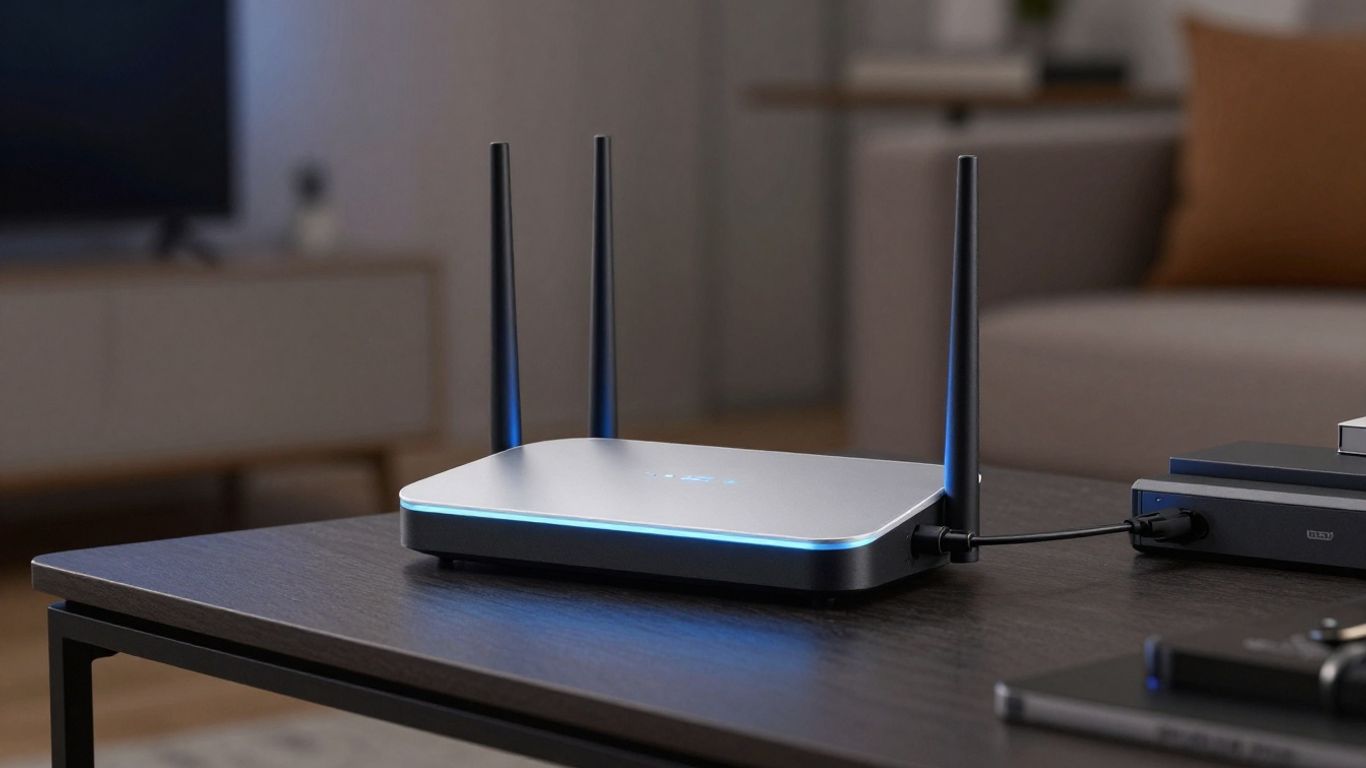
In today’s world, our internet connection is pretty much a lifeline. We use it for work, staying in touch with people, and even just relaxing with some streaming. But what happens when the power flickers or goes out completely? Your Wi-Fi router, the heart of your home network, just stops working. This means no more emails, no more video calls, and definitely no more Netflix. A dedicated power source for your router is no longer a luxury; it’s a necessity. It’s the first step in making sure your digital life doesn’t grind to a halt when the electricity does.
How Battery Backups Prevent Wi-Fi Interruptions
Think of a battery backup as a safety net for your internet. When the power goes out, your router loses its juice and shuts down, cutting off your connection. A battery backup, often an Uninterruptible Power Supply (UPS), steps in immediately. It has its own stored power, so it instantly takes over, keeping your router running without you even noticing. This seamless switch means your online activities, whether it’s a work meeting or a game, can continue without a hitch. It’s a simple router power outage solution that makes a big difference.
The Functionality of Router Battery Backups
So, how do these things actually work? At their core, router battery backups are small power storage units. They plug into the wall and also connect to your router (and often your modem). While the power is on, they keep themselves charged and let the electricity flow through to your devices. When the power fails, they switch to their internal battery, providing power to your connected equipment. There are a few main types:
- Mini UPS DC Units: These are small, often just enough to power a single device like a router for a few hours. They usually output DC power, matching your router’s needs directly.
- Standard AC UPS Units: These are bigger and can power multiple devices, like your router, modem, and even a computer. They provide AC power, similar to a wall outlet, and have a battery inside.
- Portable Power Stations: These are like big batteries you can take anywhere. They can power many devices, including your router, for much longer periods, and can often be recharged with solar panels.
Choosing the right type depends on how long you need power and what devices you want to keep running. It’s about matching the backup’s capability to your specific needs during an outage.
When you’re looking at these options, it’s helpful to know that a standard UPS battery backup is designed to safeguard electronics from sudden power loss. They provide that immediate, temporary power needed to prevent damage and data loss.
Exploring Available Battery Backup Solutions
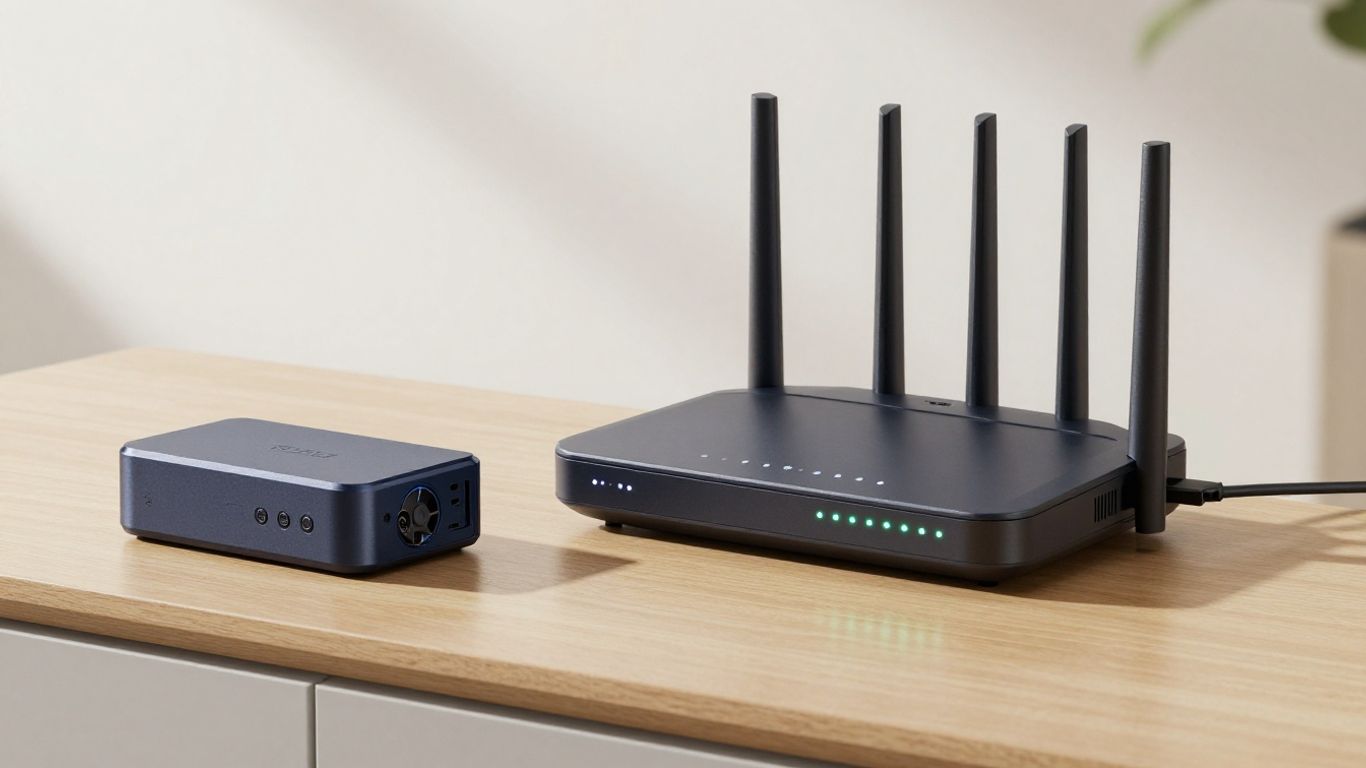
When the power goes out, your internet connection is usually one of the first things to drop. That’s where battery backups come in. They’re designed to keep your modem and router humming along, so you don’t get cut off from the digital world. But not all battery backups are created equal. Let’s look at the main types you’ll find.
Mini UPS DC Units for Compact Needs
These are like the little black boxes you might see powering a single device. They’re pretty straightforward and usually designed specifically for things like routers and modems. They connect directly to your device’s power adapter and provide a battery boost when the main power fails. They’re a great, simple solution if you only need to keep your internet connection alive. They’re efficient and don’t take up much space, making them ideal for most homes.
- Pros: Compact, energy-efficient, affordable, easy to set up.
- Cons: Limited capacity, usually only powers one device, might not handle older or high-power routers.
Standard AC UPS for Broader Coverage
Think of these as the bigger siblings of the mini UPS. Standard Uninterruptible Power Supplies (UPS) are what people often use for computers. They provide AC power, just like your wall outlet, but with a battery backup. This means they can power not only your router and modem but also other devices like your computer, a monitor, or even a small network switch. If you’re working from home and need to keep more than just your internet running, a standard UPS is a good way to go. They offer more power and longer runtimes than the mini versions.
- Pros: Can power multiple devices, longer runtime, offers surge protection.
- Cons: Larger, more expensive, can be noisy, might be overkill if you only need internet.
Portable Power Stations for Versatility
These have become really popular lately, and for good reason. Portable power stations are essentially big batteries with multiple outlets – AC, DC, and USB. They’re designed to be moved around and can power a wide range of devices, from your router and modem to laptops, phones, and even small appliances. If you’re looking for something that can handle your internet needs during an outage but also be useful for camping trips or other situations, a portable power station is a solid choice. They offer a lot of flexibility and can keep your whole setup running for a good while.
Portable power stations offer a lot of bang for your buck. They’re not just for keeping your Wi-Fi on; they can be a lifesaver during extended outages for charging phones, running lights, or even keeping a small fridge cold. Their versatility makes them a worthwhile investment for many households.
- Pros: Highly versatile, can power many different devices, large capacity, portable.
- Cons: Most expensive option, can be bulky, requires careful management of power draw to maximize runtime.
Selecting the Best Battery Backup for Internet Router
So, you’ve decided you need a battery backup for your Wi-Fi router. That’s a smart move, especially if you work from home or just hate being disconnected. But now comes the tricky part: picking the right one. It’s not a one-size-fits-all situation, and what works for your neighbor might not be the best fit for you. We need to look at what your router actually needs and how long you expect to be without power.
Matching Router Power Consumption to Battery Capacity
First things first, let’s figure out how much juice your router needs. Most routers don’t guzzle power like a desktop computer, but they still need a steady supply. You can usually find the power requirements on the back of your router or its power adapter – look for something like "12V DC" and the amperage (mA or A). This tells you the voltage and how much current it draws. The goal is to find a battery backup that can supply the correct voltage and has enough capacity to keep your router running for the duration you need.
Think about how long you typically lose power. Is it usually just a quick flicker, or do you sometimes go hours without electricity? This will help you decide on the battery capacity. A small mini UPS might be fine for short outages, but if you’re often in the dark for extended periods, you’ll need something with more oomph. It’s all about matching the router’s power draw to the battery’s ability to deliver. This is key for internet continuity during blackouts.
Key Factors for Choosing Your Backup System
When you’re shopping around, keep these points in mind:
- Type of Unit: Are you looking at a compact mini UPS, a standard AC UPS, or a portable power station? Mini UPS units are great for just the router and modem, often running on DC power. Standard AC UPS units can power more devices but are bulkier. Portable power stations offer the most flexibility but can be overkill if you only need to power your internet gear.
- Runtime: How long will it actually last? This depends on the battery’s capacity (measured in Watt-hours or mAh) and your router’s power consumption. A common recommendation for a basic setup is a UPS for home wifi that can provide at least 30-60 minutes of runtime for both your modem and router.
- Ports and Connectors: Make sure the backup system has the right kind of output ports (e.g., DC barrel jack, USB) and the correct voltage to connect to your router and modem. Some routers use a specific size barrel connector, so double-check.
- Simplicity: How easy is it to set up and use? You don’t want to be fumbling with complicated settings when the power goes out.
Runtime Considerations for Different Outage Durations
Let’s break down what you might expect:
- Short Outages (Minutes to 1-2 Hours): A mini UPS DC unit is often sufficient here. These are designed to provide just enough power to keep your router and modem online through brief interruptions. They’re usually quite affordable and compact.
- Medium Outages (2-6 Hours): You’ll likely need a standard AC UPS with a decent battery capacity or a smaller portable power station. These can keep your internet running and potentially power a laptop or phone charger too.
- Long Outages (6+ Hours): For extended power cuts, a larger portable power station is your best bet. Units like the Jackery Explorer 1000 are capable of powering your router and modem for many hours, and can even handle other essential devices. This is how you ensure true internet continuity during blackouts.
When deciding, it’s always better to overestimate your needs slightly. Having a bit of extra battery life is much better than running out of power when you still need to stay connected. Think about how you use your internet – is it for work calls, streaming, or just basic browsing? Your usage patterns will influence how long you need that backup power to last.
Choosing the right battery backup is about understanding your specific needs and the capabilities of the devices available. It’s a practical step to ensure you’re prepared for whatever the power grid throws your way, making it easier to figure out how to keep internet on during power cut.
Optimizing Your Backup Power Strategy
So, you’ve got a battery backup for your router, which is great. But how do you make sure it’s actually doing its job when the power goes out, and how can you get the most out of it? It’s not just about plugging things in; there are a few smart moves you can make.
Powering Both Modem and Router for Full Connectivity
One common mistake people make is only hooking up their Wi-Fi router to the battery backup. That’s only half the battle. Your internet service provider’s modem, or the Optical Network Unit (ONU) for fiber connections, also needs power to keep your internet flowing. If your modem dies, your router won’t have anything to connect to, no matter how much juice it has. Make sure your backup system is capable of powering both your modem and your router simultaneously. This ensures your entire internet connection stays active, not just your local Wi-Fi signal.
Consolidating Hardware to Extend Battery Life
Think about what you’re powering. High-end routers, especially mesh systems with multiple nodes, can gobble up more electricity than you might realize. During an outage, if you’re trying to stretch your battery life, consider temporarily turning off any extra mesh nodes you don’t absolutely need. Also, if your router has features like USB ports for external drives, unplugging those can also help reduce the power draw. Every little bit helps when you’re trying to keep the connection alive for longer.
Monitoring Battery Levels and Device Temperature
It’s easy to forget about your backup system once it’s set up, but a little attention goes a long way. Many modern battery backups, especially portable power stations, come with companion apps. Use these to keep an eye on the battery’s charge level in real-time. Knowing how much power you have left is key to planning. Also, don’t forget about heat. High temperatures can really affect battery performance and even damage your equipment. Try to keep your router and backup unit in a well-ventilated spot, away from direct sunlight or enclosed cabinets. Elevating them slightly can also help with airflow underneath. This simple step can prevent overheating and keep your devices running smoothly.
Keeping your internet up during an outage often comes down to smart planning and a bit of foresight. It’s not just about having the gear, but knowing how to use it effectively when you need it most. Paying attention to details like powering all necessary devices and managing heat can make a big difference in how long your connection lasts.
Advanced Backup Power Considerations
Pure Sine Wave Output for Sensitive Devices
So, you’ve got your router and modem covered with a battery backup. That’s great! But have you thought about the quality of the power it’s providing? Some cheaper battery backups, especially older or less sophisticated models, put out what’s called a modified sine wave. Think of it like a choppy, uneven electrical signal. Most modern electronics, including your router and modem, are designed for a clean, smooth power signal – a pure sine wave. Using a modified sine wave can sometimes cause these devices to run hotter, act strangely, or even shorten their lifespan over time. It’s a bit like trying to run a high-performance car on low-grade fuel. For sensitive networking gear, sticking with a pure sine wave output from your backup system is the way to go. It’s a small detail, but it can make a big difference in keeping your equipment happy and healthy during an outage.
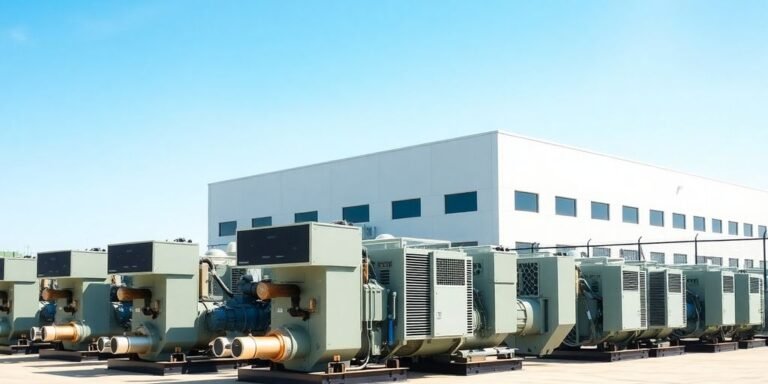
When a Router UPS Isn’t Enough: Whole House Generators
Look, keeping your Wi-Fi online is one thing, but what if the power outage is really long, or you just want to keep everything else running too? That’s where a whole house generator comes into play. These aren’t just for your router; they’re designed to power your entire home. We’re talking about keeping your fridge cold, your lights on, your air conditioning running, and yes, your internet still working. While a dedicated router UPS is great for your network, a whole house generator is a much bigger investment for total home backup. They can handle significant power demands, like starting up an air conditioner, and provide enough juice for multiple circuits simultaneously. It’s the ultimate solution if you need continuous, uninterrupted power for your entire household during extended outages.
Integrating Solar Power for Infinite Backup
Now, let’s talk about taking your backup power to the next level. What if you could have backup power that practically never runs out? That’s where solar power integration comes in. By connecting a solar panel setup to your battery backup system, you can recharge your batteries during daylight hours. This means that as long as the sun is shining, you’ve got a continuous source of power. It’s a fantastic way to ensure your router, modem, and other essential devices stay online even during prolonged power disruptions. This setup is especially appealing if you live in an area prone to frequent or long-lasting outages. It’s a more sustainable approach and can significantly reduce your reliance on the grid, offering a truly resilient power solution for your home network and beyond.
Wrapping Up: Keep Your Connection Alive
So, we’ve talked about why keeping your Wi-Fi running during a power outage is a good idea, whether you’re working from home or just trying to stream something. We looked at different ways to back up your router, from small units to bigger power stations. Picking the right one just means thinking about how much power your gear uses and how long you need it to last. Don’t let a simple power flicker cut you off from everything. Getting a battery backup for your router is a pretty straightforward way to make sure you stay connected when it matters most.
Frequently Asked Questions
Why is it a good idea to have a backup battery for my Wi-Fi router?
Having a backup battery for your router means your internet won’t stop working if the power goes out. This is super helpful if you work from home, need to attend online classes, or just want to keep streaming your favorite shows without any interruptions. It keeps your connection alive when the main power is down.
How long can a backup battery keep my Wi-Fi router running?
That really depends on how big the battery is and how much power your router uses. Usually, a backup battery can power a router for anywhere from 2 to 8 hours. Some bigger ones can even last longer, giving you plenty of time.
How can I figure out how long my backup battery will last for my router?
You can get a good idea by dividing the battery’s total power capacity (measured in watt-hours) by how much power your router uses (measured in watts). This will give you an estimate of how many hours the backup can keep your router going.
Can I use the same backup battery for both my router and my modem?
Yes, you absolutely can! Many backup systems are designed to power both your router and your modem at the same time. Just make sure the backup unit you choose has enough power to handle both devices so your internet stays on.
What’s the difference between a small ‘Mini UPS’ and a regular ‘Standard UPS’?
A Mini UPS is small and usually just powers one thing, like your router. A Standard UPS is bigger and can handle more devices, like your router, modem, and even your computer or TV. Think of Mini UPS for just the essentials and Standard UPS for a bit more.
Is it safe to leave my backup battery plugged in all the time?
Yes, it’s actually best to keep your backup battery plugged in! These devices have smart systems that keep the battery charged and ready. This way, it’s always full and instantly ready to take over the moment the power flickers off.