Keep Your Eyes Peeled: Camera Power Backup Basics
Keeping an eye on your property is a big deal these days, right? Whether it’s your home or your business, you want to know things are secure. Security cameras are great for that, giving you eyes on everything. But what happens when the power flickers or goes out completely? That’s where backup power for security cameras becomes super important. You don’t want your safety net disappearing just when you might need it most. Let’s talk about how to make sure your cameras keep rolling, no matter what the power grid is doing.
Key Takeaways
- A UPS power backup for security cameras ensures your system keeps running even when the main power is out.
- Choosing the right UPS means looking at your camera system’s power needs, like how much power it uses and how long you need backup.
- Solid-state battery technology is a safer, more reliable option for indoor backup power systems.
- Setting up your UPS correctly and testing it regularly are key steps to make sure it works when you need it.
- Understanding your UPS’s alarms and doing basic maintenance will help prevent problems and keep your system reliable.
Understanding the Need for Backup Power for Security Cameras
What Happens During a Power Outage?
When the lights go out, so does the power to your security cameras. This means your entire surveillance system just stops working. For a home security setup, this could mean missing a crucial event. For a business, it could mean a gap in footage right when you need it most. A sudden loss of power can leave your property vulnerable. It’s a moment when you really need reliable surveillance, and that’s exactly when your cameras might be offline.
Why Reliable Surveillance Demands Uninterrupted Power
Think about it: the main reason you have security cameras is to watch over things, especially when you can’t be there yourself. If a power outage hits, your cameras go dark. This is precisely when someone might try to take advantage of the situation. Having emergency power for surveillance systems means your cameras keep rolling, recording everything, even when the grid fails. This continuity is key for effective security, whether it’s for your home or a commercial building. You need to know that your system is working when you need it most, not when the power is on.
The Role of Battery Backup in CCTV Systems
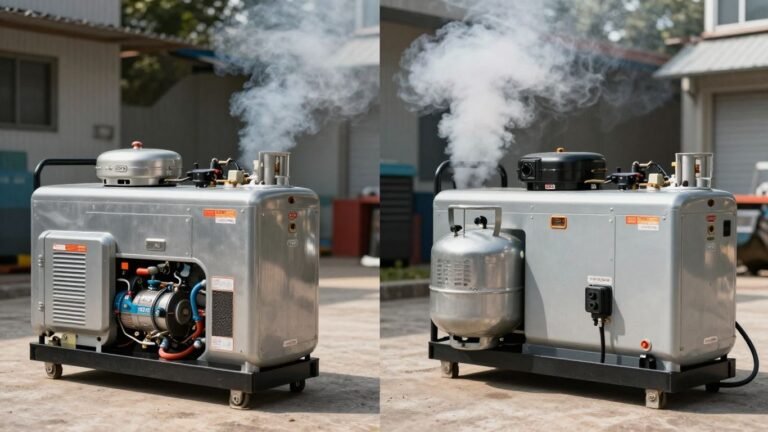
Battery backup systems, often in the form of an Uninterruptible Power Supply (UPS), act as a safety net for your cameras. They provide immediate power when the main supply cuts out, giving your system enough juice to keep recording or at least stay online until power is restored. This is especially important for CCTV systems that might be monitored professionally. Without this backup, you risk losing critical footage during an outage, which defeats the purpose of having the system in the first place. For reliable power for outdoor security cameras, a robust battery backup is non-negotiable. It ensures that your watchful eyes don’t go blind when it matters.
Here’s a quick look at what happens:
- Normal Operation: Cameras receive steady power from the mains.
- Power Outage: Main power is lost.
- UPS Activation: Battery backup instantly kicks in, powering cameras and other connected gear.
- Power Restoration: Main power returns, and the UPS recharges.
Without a battery backup, your security cameras are just as vulnerable to power interruptions as any other appliance. This creates a blind spot in your security coverage precisely when you might need it most. Planning for these events is a smart move for anyone serious about protecting their property.
Choosing the Right UPS for Your Security Camera System
So, you’ve got your security cameras all set up, but what happens when the power flickers? That’s where a good Uninterruptible Power Supply, or UPS, comes into play. Picking the right one isn’t just about grabbing the first box you see; it involves a bit of thought about what your system actually needs. You want to make sure your cameras keep rolling, no matter what the power grid is doing.
Assessing Capacity and Battery Life Requirements
First things first, let’s talk about power draw. Your cameras, your Network Video Recorder (NVR) if you have one, your router, and any Power over Ethernet (PoE) switches all sip electricity. You need to figure out the total wattage your system uses. Add up the power consumption of each component. This number is your baseline for selecting a UPS. A UPS with a higher VA (Volt-Ampere) rating can handle more devices or provide power for a longer time. Think about how long you realistically need your system to run on battery. Is it just enough time to save recordings and shut down gracefully, or do you need it to stay online for several hours? This will guide your choice in battery capacity and, consequently, the size and cost of the UPS. For example, a small home setup might only need a few hundred VA, while a larger commercial system could require a much beefier unit.
Key Features: Surge Protection and Solid-State Technology
Beyond just providing backup power, a good security camera uninterruptible power supply should offer protection. Surge protection is a must-have. Power spikes, even brief ones, can fry sensitive electronics like camera sensors and NVRs. Most UPS units include this, but it’s worth double-checking. Another feature gaining traction is solid-state battery technology. Unlike older lead-acid batteries, solid-state batteries are generally safer, more efficient, and last longer. They don’t have the same risks of overheating or leaking, making them a more reliable choice for continuous operation, especially if the UPS is located indoors. When looking at options, the CyberPower LE1000DG is often cited for its ability to power essential equipment for a decent amount of time. Check out some guidelines for selecting the best option available in the market.
Understanding Battery Backup Time
Battery backup time is directly tied to the UPS’s capacity and the load it’s supporting. A UPS might advertise a certain runtime, but that’s usually under a specific, often light, load. When you connect your entire security system, the actual runtime will be shorter. It’s helpful to look for UPS units that provide an estimated runtime chart based on different wattage loads. This gives you a more realistic idea of what to expect. For instance, a UPS rated for 600VA might give you 15 minutes of backup at a 300W load, but only 5 minutes at a 500W load. You need to balance the need for extended runtime with the physical size and cost of the UPS. Sometimes, a shorter runtime is acceptable if it’s just enough to bridge a brief outage or allow for a safe shutdown. For longer durations, you might need to consider larger battery packs or even a generator setup, though that’s a step beyond basic UPS functionality. Many UPS models offer extended power during outages.
When selecting a UPS, always consider the total power draw of your security cameras, NVR, router, and any switches. Overlooking even one component can lead to a system that drains the battery faster than anticipated, leaving you vulnerable when you need protection the most.
Essential Components for Camera Power Backup
When you’re setting up a system to keep your cameras running without power, you’ll need a few key pieces. It’s not just about the cameras themselves; you’ve got to think about everything that makes the system work. This includes the cameras, your Network Video Recorder (NVR) if you’re using one, your router, and any Power over Ethernet (PoE) switches. All these devices need a steady stream of power, especially when the main electricity decides to take a break. That’s where proper battery backup solutions come into play.
The Importance of UPS Units
A Uninterruptible Power Supply, or UPS, is the heart of any good camera power backup setup. Think of it as a power reservoir. When the electricity is on, it keeps the UPS battery charged and also powers your connected equipment. If the power goes out, the UPS instantly switches to battery power, so your cameras and recording devices don’t even notice a blip. This is super important for making sure you don’t lose any footage during an outage. A good UPS also often includes surge protection, which is a nice bonus to keep your gear safe from electrical spikes.
Considering NVRs, Routers, and PoE Switches
Your NVR is where all your camera footage gets stored and managed. If the power goes out and your NVR shuts down, you lose the ability to record, which defeats the purpose of having a backup. Similarly, your router is what allows your cameras to communicate, whether with the NVR or with you remotely. And if you’re using PoE switches, they’re providing both data and power to your cameras over a single Ethernet cable. All these components need to be powered by your UPS to maintain a fully functional security system during an outage. You can’t just back up the cameras; you need to back up the whole chain.
Battery Sizing for Your Setup
Figuring out the right battery size is a bit like packing for a trip – you need enough for the journey. You have to calculate the total power draw (in watts) of all the devices you want to keep running: your cameras, NVR, router, and switches. Once you have that total wattage, you can look at UPS units and their battery capacities. The higher the capacity, the longer the backup time. It’s a good idea to overestimate slightly to account for battery aging and to give yourself a buffer. You don’t want to run out of juice just as the power comes back on.
Here’s a simple way to think about it:
- Calculate Total Wattage: Add up the power consumption of each device (check their power adapters or specs).
- Determine Desired Runtime: How long do you realistically need the system to run on battery? A few hours is common, but some situations might need more.
- Match UPS Capacity: Select a UPS with a battery capacity that can support your total wattage for your desired runtime. Manufacturers often provide runtime charts for their UPS models.
When selecting a UPS, remember that not all outlets on the unit might provide battery backup. Some might only offer surge protection. Make sure you plug your critical security equipment into the outlets specifically labeled for battery power.
Installation and Maintenance for Reliable Backup Power
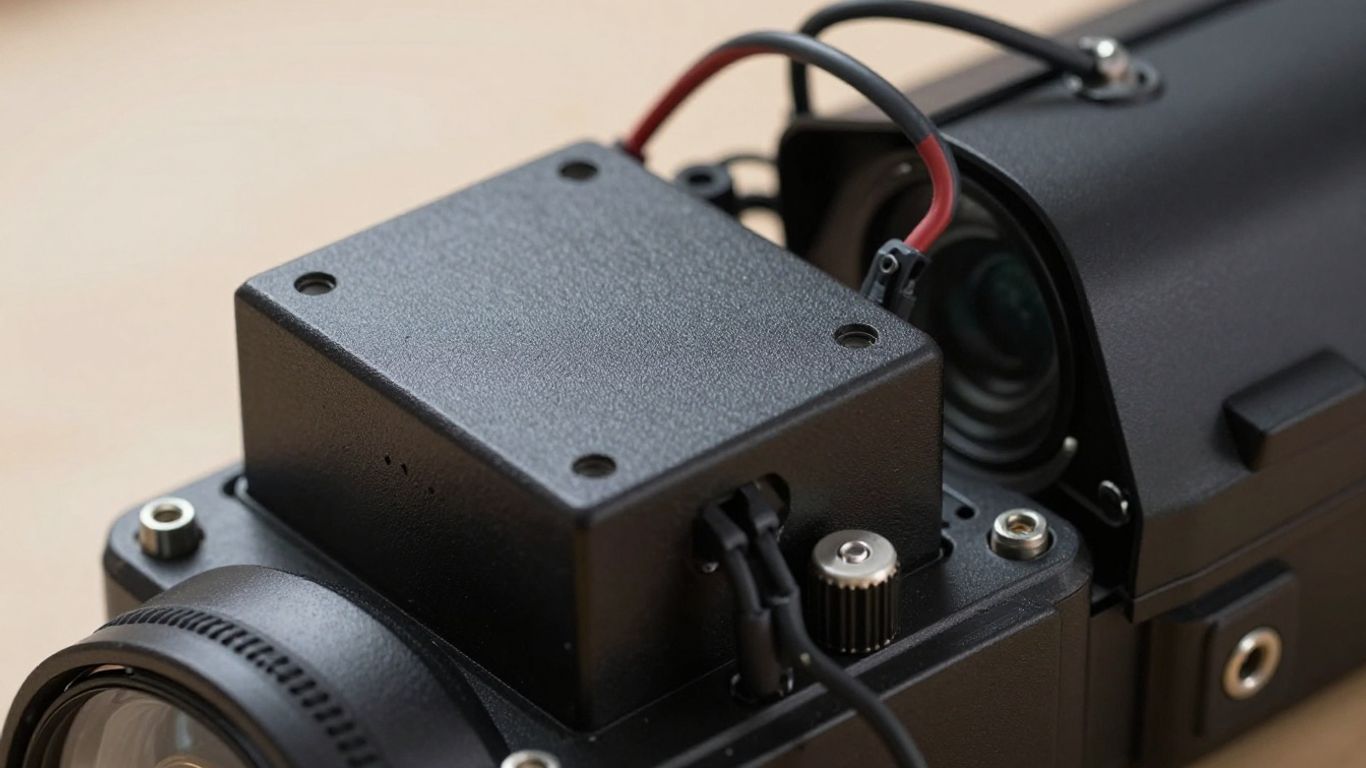
Getting your backup power setup right is pretty important. It’s not just about plugging things in; there’s a bit more to it if you want it to actually work when you need it. Proper installation and regular check-ups are key to making sure your security cameras stay on during an outage.
Proper Installation in Ventilated Areas
First off, where you put your Uninterruptible Power Supply (UPS) matters. These things can get warm, especially when they’re working hard. You don’t want it to overheat, right? So, find a spot that has good airflow. Think about a shelf or a desk where air can move around it freely. Avoid stuffing it into a tight cabinet or piling other stuff on top of it. This helps the unit last longer and perform better. Also, make sure all the cables are plugged in snugly – loose connections are no good for anything, really.
Regular System Testing and Maintenance
Just like your car needs an oil change, your UPS needs a little attention now and then. Most UPS units have batteries that are designed to be replaced, but they don’t last forever. It’s a good idea to check your UPS’s manual to see what the manufacturer suggests for maintenance. A simple test can go a long way. You can simulate a power outage by unplugging the UPS from the wall (while it’s plugged into the devices you want to protect) and see if your cameras and other gear stay on. This is a good way to confirm that your backup power setup is ready for action. Doing this every few months is usually enough.
Understanding UPS Alarms and Notifications
Modern UPS units are pretty smart. They often have lights and sounds to let you know what’s going on. If you hear a beep or see a flashing light, don’t just ignore it. These alarms are usually telling you something important, like the battery is running low, or there might be an issue with the power coming from the wall. Knowing what these different signals mean can help you fix a problem before it becomes a bigger issue. Some even have apps that can send notifications to your phone, which is handy if you’re not always home.
A little bit of effort upfront with installation and ongoing maintenance can save you a lot of headaches later. It means your security system won’t let you down when you need it most.
Advanced Backup Power Solutions
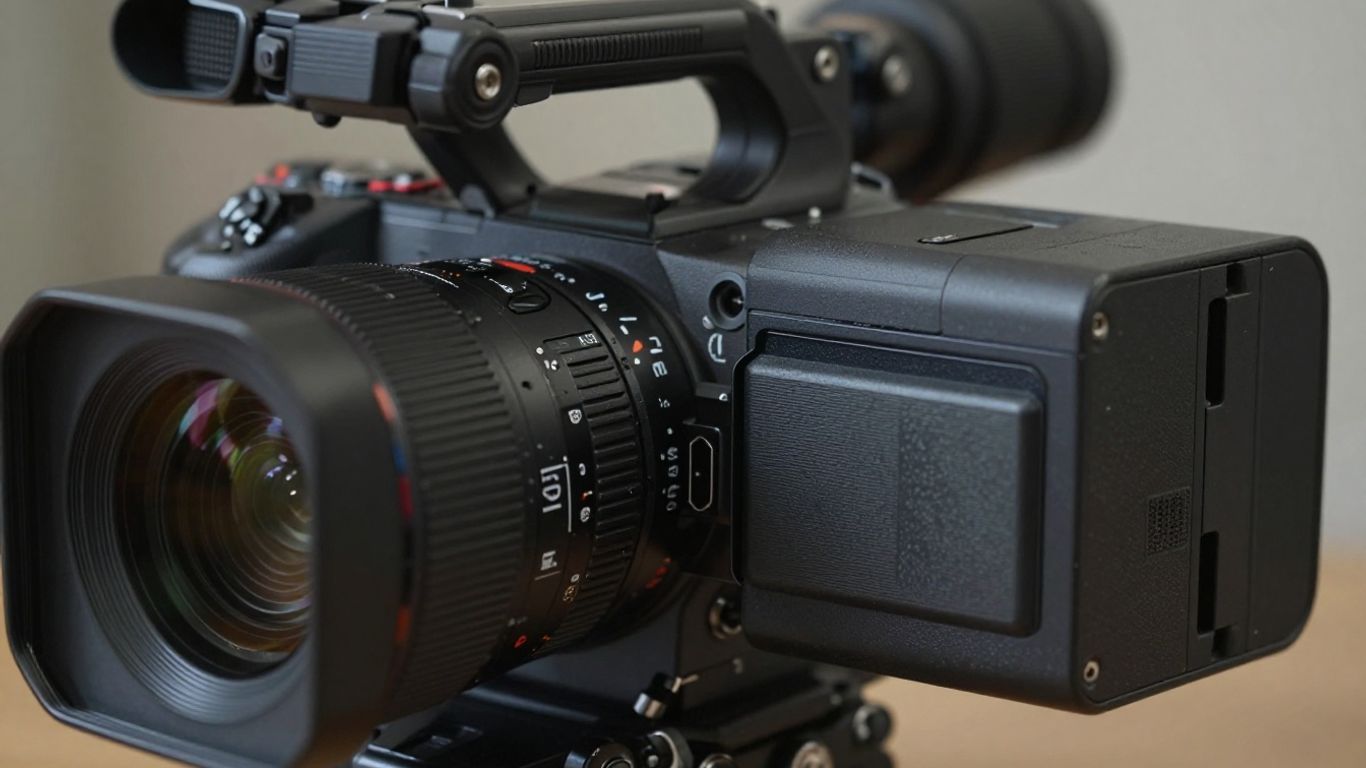
When standard battery backups just won’t cut it, it’s time to look at some more robust options. We’re talking about keeping your cameras, NVRs, routers, and PoE switches running even when the grid decides to take a break for a while. Solid-state battery technology is really changing the game here. It’s not just about having power; it’s about having reliable, safe, and long-lasting power.
The Benefits of Solid-State Battery Technology
Forget what you might know about older battery types. Solid-state batteries are a big step up. They’re generally safer because they don’t use liquid electrolytes, which means less risk of leaks or overheating. This makes them a great choice for indoor use. Plus, they tend to last longer and can handle more charge cycles. Think of it as getting more bang for your buck over the long haul.
Indoor-Friendly and Safe Backup Systems
One of the biggest advantages of newer solid-state systems is their suitability for indoor environments. Unlike some older battery technologies that needed special ventilation, these are designed to be more compact and safer to operate right alongside your equipment. This simplifies installation and reduces the need for dedicated, climate-controlled spaces. You can often find these units designed to blend in, rather than being bulky eyesores.
Ensuring Extended Power During Outages
When you’re looking at extended power outages, you need more than just a few minutes of backup. This is where careful planning comes in. You’ll want to calculate the total power draw of all your devices – cameras, NVR, switches, router – and then select a battery system with enough capacity to cover that load for your desired duration. Some systems can provide power for many hours, which is a huge relief if you live in an area prone to long blackouts. It’s about peace of mind, knowing your surveillance won’t go dark when you need it most. For example, a system might offer:
- 1000Wh Capacity: Suitable for powering a small NVR and a few cameras for several hours.
- 2000Wh Capacity: Can support a larger NVR, more cameras, and network equipment for extended periods.
- 5000Wh+ Capacity: Designed for comprehensive systems, offering power for a full day or more.
Choosing the right capacity means understanding the total wattage your security setup consumes. Overestimating slightly is usually better than underestimating, especially if you plan to add more cameras or devices later. This foresight prevents a situation where your backup power runs out sooner than expected, leaving your property vulnerable.
Troubleshooting Common Backup Power Issues
Even with the best setup, sometimes things don’t go as planned. When your security cameras or NVR act up during a power hiccup, it can be frustrating. Let’s break down some common problems and how to fix them.
Addressing Camera Power-On Problems
If a camera isn’t powering on after an outage, the first thing to check is the battery. Is it fully charged? Sometimes, a simple battery reset – removing and reinserting it – can do the trick. If it’s still a no-go, look for a small reset button, often a pinhole, that might bring it back to life. Don’t assume the worst; often, it’s a simple fix.
Resolving Data Storage Errors
Lost footage is a big worry. If your NVR or camera isn’t saving data, the SD card could be the culprit. It might be full, corrupted, or just not seated properly. Try taking it out, giving it a quick look for damage, and then pushing it back in firmly. Always stick to reputable brands for your storage cards; cheap ones can cause a lot of headaches.
Handling Environmental Factors Affecting Cameras
Sometimes, the issue isn’t the power at all. A foggy lens, for instance, is usually just condensation from a quick temperature change. Leave the camera in a normal room temperature for about half an hour, and it should clear up. If your camera gets wet beyond its rating, pull the battery immediately, don’t turn it on, and let it dry out for at least a full day in a warm spot. Regular backups are key, and remember to charge batteries at least every six months, even if the camera isn’t in use. Keeping your network connected during outages is also important, so consider a battery backup for your router.
When troubleshooting, remember to check the simplest things first. A loose cable or a full memory card can mimic more serious problems. Patience and a systematic approach usually solve most issues.
Wrapping Up: Keeping Your Cameras Powered
So, we’ve gone over why having a backup power source for your cameras is a good idea, especially when the lights go out. Whether it’s a UPS for your security system or just making sure your kid’s camera is charged for their next adventure, a little preparation goes a long way. Remember to check your gear regularly, keep things clean, and know how long your backup will last. It’s not about having the fanciest setup, but about making sure your cameras are ready when you need them. A bit of attention now means fewer headaches later, and you won’t miss those important moments.
Frequently Asked Questions
What happens to my security cameras when the power goes out?
When the electricity cuts out, your security cameras will also shut down. This means you could miss important events or have gaps in your security recordings. Having a backup power system, like a UPS, keeps your cameras running even during a blackout.
Do all security cameras need a UPS?
Not every single security camera absolutely needs a UPS, but it’s a really smart idea if you want to make sure your cameras keep recording without any interruptions. Losing power during an important moment could be a big problem for your security.
How long can a UPS battery keep my cameras powered?
How long a UPS battery lasts depends on the specific model and how much power your cameras and other connected devices are using. Some can keep things running for a few minutes, while others might provide power for several hours. It’s good to know how long your system will last so you’re prepared.
Can a UPS protect my cameras from power surges?
Yes, most UPS units come with built-in surge protection. This is super important because it helps shield your cameras from sudden spikes in electricity that could damage them. It’s like a shield for your equipment.
Are UPS systems with solid-state batteries safe to use inside my house?
Absolutely! UPS systems that use solid-state battery technology are very safe for indoor use. They are designed to be stable and don’t have the same risks of overheating or leaking as older battery types. They also tend to run quietly, making them a great choice for your home.
What are the most common mistakes to avoid with camera backup power?
Some common mistakes include not checking the battery charge regularly, not testing the system to see if it works during a simulated power outage, and not understanding how long your specific UPS will provide power. It’s also important to install the UPS in a well-ventilated area to prevent overheating and to ensure all connections are secure.