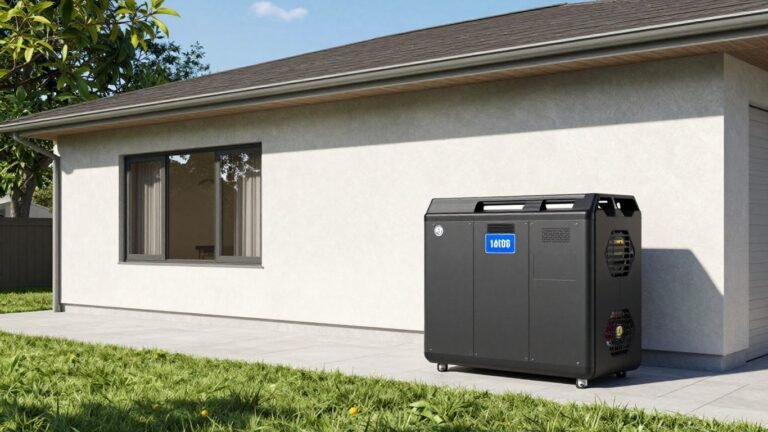
Starlink Power Backup: Keep Your Internet Up!
Starlink has really changed the game for internet access, especially out in the sticks. But, like anything, it needs power to work. And when the power goes out, your fancy satellite internet goes down too. It’s a real bummer, especially if you’re trying to work from home or keep up with the kids’ online school. This article is all about how to keep your Starlink running when the lights go out, covering everything from simple fixes to more involved setups. We’ll look at the best ways to build a solid Starlink backup power setup so you don’t get cut off.
Key Takeaways
- Starlink uses about 50-75 watts, and power spikes during startup mean a stable power source is a must. Power outages force Starlink to reboot, and unstable power when it comes back on can cause connection issues.
- For short outages, a UPS is a good bet, especially one with a pure sine wave output. It keeps things running instantly and protects against surges.
- Portable power stations and batteries offer longer backup times, and can often be paired with solar panels for even more uptime, which is great for extended outages.
- Generators are the go-to for very long power failures, supplying power to your Starlink and other essential devices, but need careful setup for safety.
- A Starlink DC power supply can be more efficient, connecting directly to battery systems and cutting down on energy waste, making it ideal for mobile or off-grid use.
Understanding Starlink Power Needs And Outage Risks
How Starlink Draws Power
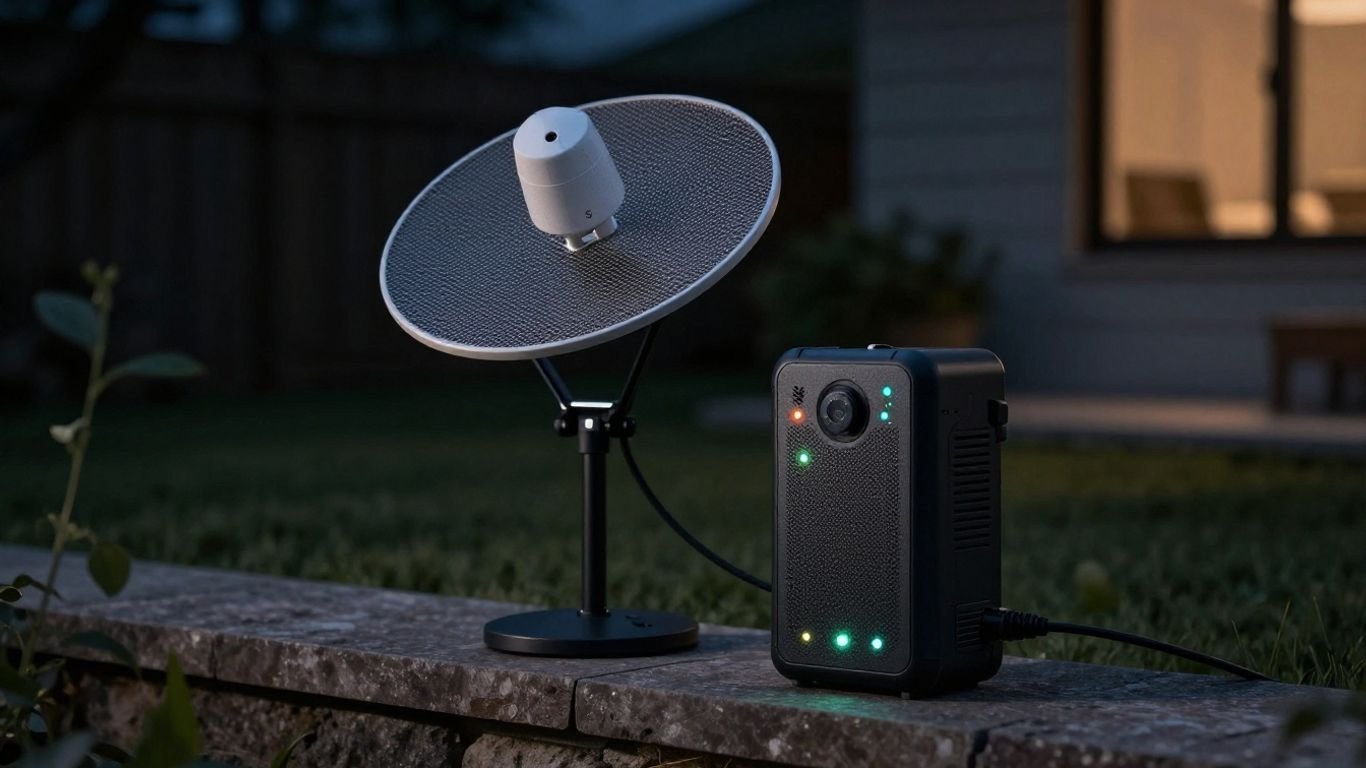
So, how much juice does this fancy satellite internet dish actually need? It’s not a ton, but it’s enough that losing power means losing your connection. The Starlink dish and its router typically sip between 50 to 75 watts when they’re up and running. Startup can sometimes cause a little surge, so a steady power supply is pretty important for keeping things stable. If the power flickers or goes out, your Starlink gear has to shut down, and getting it back online isn’t always instant. It’s like trying to restart a computer after a sudden shutdown – it takes a moment to boot back up.
Why Power Outages Cause Connection Dropouts
This is the big one, right? When the power goes out, your Starlink system loses its connection to the satellites. It’s not just a brief pause; the whole system has to go through its startup sequence again when the power comes back. This reboot process can take a few minutes. Sometimes, if the power coming back isn’t super clean or stable, the Starlink might have trouble reconnecting properly. This means you could be staring at a "no internet" screen for a while, which is a real pain if you’re in the middle of something important. For those relying on Starlink for work, keeping Starlink online during an outage is a top priority.
Hidden Factors Affecting Starlink Stability
It’s not just about the big power cuts. Little things can mess with your Starlink too. Things like voltage fluctuations – maybe your power grid isn’t the most stable – can cause the system to act up. Even poor wiring in your house or not having proper surge protection can lead to those annoying connection drops. Over time, these little power hiccups can actually wear out your Starlink equipment faster than you’d expect. It’s a good idea to think about what kind of power your Starlink is getting, especially if you live somewhere with a less reliable grid. The Starlink Mini, for instance, is designed for efficiency, using around 20-40W during operation, but it still needs a stable source. Understanding critical loads is key when planning any backup system.
Here’s a quick look at what can affect power draw:
- Weather: Heavy rain or snow can make the dish work harder.
- Usage: Streaming movies or doing video calls uses more power than just browsing.
- Obstructions: Trees or buildings blocking the signal make the dish boost its effort.
- Hardware: Different Starlink models have different power needs.
- Heating: In cold weather, the dish might use extra power to stay clear of ice.
Sometimes, the simplest solutions are overlooked. A stable power source isn’t just about preventing outages; it’s about the long-term health of your equipment. Think of it like giving your electronics a smooth ride instead of a bumpy one.
Essential Solutions For A Starlink Backup Power Setup
When the power goes out, your Starlink internet connection can go with it. That’s where having a solid backup power plan comes into play. We’re talking about keeping your Starlink dish and router humming along so you don’t miss a beat, whether you’re working from home, keeping up with the kids’ online classes, or just want to stream something. There are a few main ways to tackle this, depending on how long you expect the power to be out.
Uninterruptible Power Supplies (UPS) For Short Outages
For those quick power flickers or brief interruptions that happen now and then, an Uninterruptible Power Supply, or UPS, is your first line of defense. Think of it as a temporary battery that instantly kicks in the moment the main power cuts out. This gives your Starlink equipment enough juice to keep running without a hiccup, preventing those annoying connection drops that force a full reboot. A pure sine wave UPS is best for sensitive electronics like your Starlink gear. It provides a clean, stable power output, much like what you get from your wall outlet, just in case the grid power is a bit wonky when it returns.
- Runtime: Most standard UPS units offer anywhere from 5 to 30 minutes of backup power. This is usually enough to ride out short outages or give you time to properly shut down your devices.
- Protection: Beyond just keeping the lights on (or the internet connected), a UPS also guards against voltage spikes and sags, which can happen when power is restored.
- Ease of Use: They’re pretty much plug-and-play. You connect your Starlink router and dish to the UPS, and then plug the UPS into the wall. Simple as that.
For many users, a UPS is the most straightforward and cost-effective way to handle the majority of common power interruptions. It’s a smart investment for maintaining connectivity.
Portable Power Stations And Batteries For Extended Runtime
If you live in an area where power outages tend to last longer, or you just want more peace of mind, a portable power station or a dedicated battery backup system is the way to go. These units have much larger battery capacities than a typical UPS, meaning they can keep your Starlink running for hours, not just minutes. Many of these power stations also come with multiple outlets, so you can power other essential devices like your laptop or phone charger too. Some even have solar input ports, allowing you to recharge the station using solar panels, which is a great option for extended off-grid situations or prolonged grid failures. This offers a more robust starlink internet power solution for remote living.
- Capacity: Look at the Watt-hour (Wh) rating. Higher Wh means more runtime. For Starlink, which uses about 50-75W, a 500Wh unit might give you several hours of power.
- Output: Ensure the power station has a continuous AC output rating that can handle your Starlink’s power draw, plus any other devices you plan to connect.
- Rechargeability: Consider how you’ll recharge the power station itself. Wall charging is standard, but solar or car charging options add flexibility.
Generators For Prolonged Power Failures
For the really long haul, like multi-day outages caused by severe storms or major grid issues, a generator is the most reliable option. Generators can provide a continuous power supply for extended periods, easily keeping your Starlink system, and much more, up and running. However, generators require more setup and maintenance. You’ll need to consider fuel storage, ventilation to prevent carbon monoxide buildup, and a safe way to connect it to your home’s electrical system, often using a transfer switch. This is a more involved emergency power starlink system but offers the most comprehensive backup. Remember, generators are noisy and produce emissions, so placement is key. They are a solid choice for rural areas or situations where consistent power is absolutely critical, providing an alternative power for starlink dish when all else fails.
Advanced Strategies For Maximizing Starlink Uptime
Smart Power Management With Automated Switchover
When you absolutely can’t afford to lose your internet connection, relying on just a basic backup isn’t always enough. Smart power management systems are designed to be the ultimate guardians of your Starlink uptime. These systems are pretty clever; they constantly watch your main power source. The second they detect a dip or a complete outage, they instantly flip the switch to your backup power – be it a battery bank or a generator. This transition is so fast, your Starlink dish and router barely notice. It’s like having a pit crew for your internet, making sure there’s zero downtime. This is especially useful if you’re running a home office or have critical smart home devices that need constant connectivity. Some advanced systems even let you prioritize which devices get power first, making sure your Starlink stays online even if other appliances are struggling.
Remote Monitoring And Alert Systems
Imagine being away from home and getting a notification that your Starlink just went offline due to a power cut. With remote monitoring, that’s exactly what you can get. These systems connect to your Starlink setup and your backup power source, sending alerts straight to your phone or computer. You can see the status of your power, how much battery you have left, and if your Starlink is actually connected. Some systems even let you remotely reboot your Starlink router, which can sometimes fix connection issues without you needing to be there. This is a lifesaver for folks living in rural areas or anyone who travels a lot but needs to keep an eye on their home internet. It gives you peace of mind knowing you can check in on your connection from anywhere.
Hybrid Backup Systems: Solar And UPS Integration
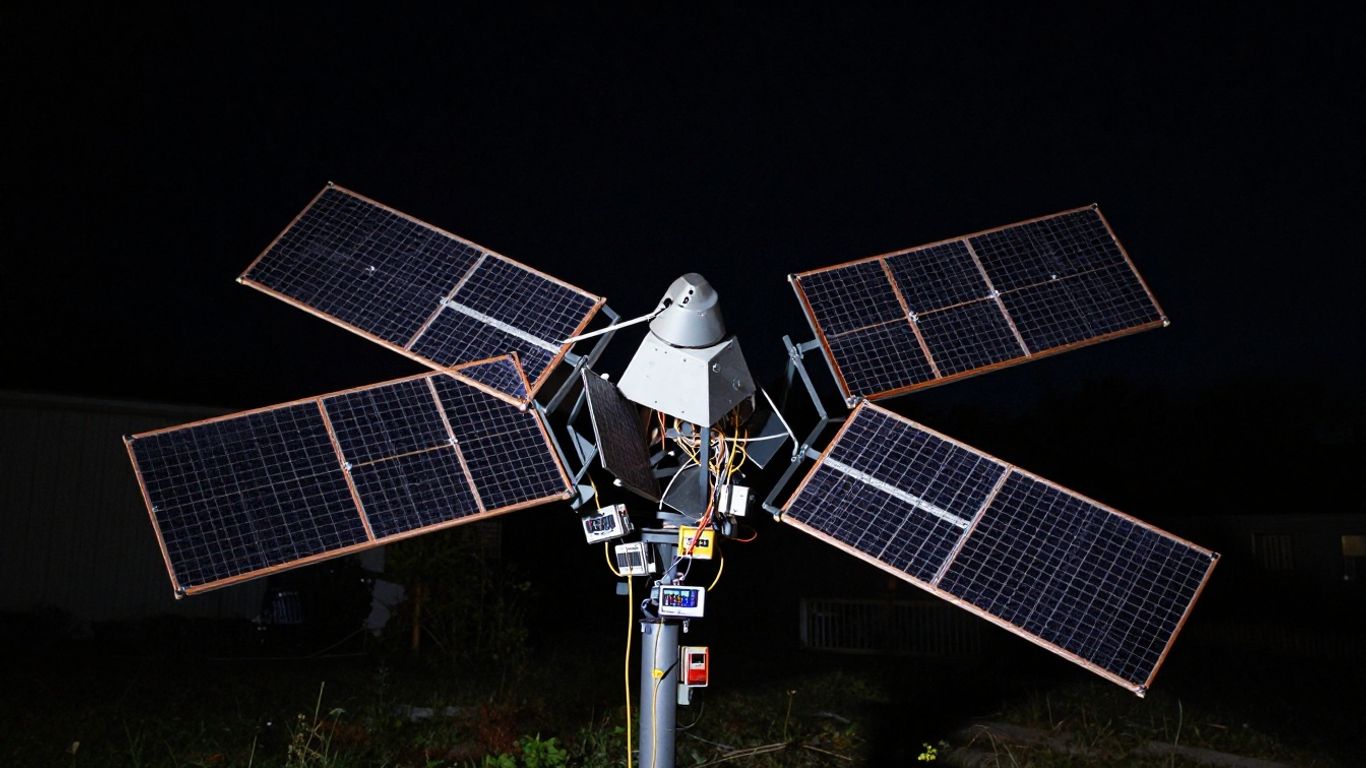
For the longest possible uptime, especially during extended outages, a hybrid approach is often the best bet. Think of it as layering your defenses. You can combine a Uninterruptible Power Supply (UPS) with a solar power setup. The UPS acts as the first line of defense, handling those immediate, short power flickers. Meanwhile, your solar panels are busy collecting energy. If the sun is out, they can directly power your Starlink and charge your batteries. When the sun goes down, or during cloudy days, your batteries kick in, fed by the solar energy you’ve stored. This combination means your Starlink can potentially stay online for days, not just minutes or hours. It’s a more sustainable and robust solution, particularly if you live in an area prone to longer power disruptions. Planning this kind of setup involves looking at how much power your Starlink and other devices use, and how much solar energy you can realistically capture and store. Integrating solar power into your backup system can provide extended runtime during prolonged outages. This approach helps maximize Starlink uptime even during prolonged disruptions [b133].
Calculating your power budget is key here. You need to know how much power your Starlink dish, router, laptop, and phone chargers actually consume. This helps you size your UPS, battery bank, and solar array correctly. Don’t guess; measure or check the specs. A system that’s too small won’t last, and one that’s too big is just overkill and costs more.
Here’s a quick look at typical power draws:
- Starlink Dish & Router: Around 50-75 watts, sometimes spiking higher on startup.
- Laptop: Varies greatly, but typically 45-90 watts while charging and in use.
- Smartphone Charging: Usually 5-20 watts, depending on the charger and phone.
This means a basic setup could easily need 100-200 watts or more when everything is running. Keeping this in mind helps you choose the right backup power solution.
Protecting Your Starlink From Power Surges And Fluctuations
Even the best internet connection can be knocked out by something as simple as a power flicker. Starlink, like most modern electronics, is pretty sensitive to what kind of power it’s getting. Sudden spikes or dips can cause all sorts of problems, from your connection dropping to, in the worst cases, damaging the equipment itself.
The Role Of Surge Protection In Starlink Setups
Think of surge protection as a bodyguard for your Starlink. When the power comes back on after an outage, it often does so with a jolt – a surge. This sudden rush of electricity can fry sensitive components. A good surge protector acts as a buffer, absorbing these spikes before they reach your Starlink dish and router. It’s a relatively small investment that can save you from a much larger headache and expense down the line. Many uninterruptible power supplies (UPS) actually include surge protection built right in, which is a nice bonus.
Voltage Regulation For Unstable Power Grids
If you live somewhere with an unreliable power grid, you know that the voltage can sometimes be all over the place. It might be too high, too low, or just generally unstable. This kind of inconsistent power can make your Starlink act weirdly, constantly rebooting or just not working right. A UPS with voltage regulation can help smooth out these fluctuations. It takes the messy power coming from the wall and cleans it up, providing a steady, consistent flow to your Starlink equipment. This means fewer unexpected disconnections and a more stable internet experience. For example, a unit like the Xtreme Power A60-550 can offer this kind of protection.
Preventative Maintenance For Optimal Performance
Beyond just plugging things in, a little bit of regular check-up goes a long way. This means looking at your cables to make sure they aren’t frayed or damaged, especially if they’re exposed to the elements. It also involves keeping an eye on your backup power system – if you’re using a UPS, check its battery health periodically. A healthy battery is key to having reliable backup power when you actually need it. Making sure your Starlink system is clean and free from debris can also help it run more efficiently. These simple steps help keep your Starlink running smoothly and prevent those annoying connection drops.
Power fluctuations and surges are more common than you might think. They can happen during thunderstorms, when large appliances cycle on and off, or even due to issues on the utility grid. Protecting your Starlink from these events is key to maintaining a reliable connection.
Optimizing Your Starlink Backup Power Setup
So, you’ve got your Starlink up and running, and you’re thinking about a backup power plan. That’s smart. But just plugging things into a battery isn’t always the best way to go about it. We need to think about what actually uses power and how much.
Calculating The Power Budget For Your Starlink System
First things first, let’s figure out what we’re powering. It’s not just the Starlink dish itself. You’ve got your router, maybe a laptop for work, and your phone that needs charging. Each of these pulls a certain amount of power, measured in watts (W). Knowing these numbers helps you pick the right size battery or power station.
Here’s a rough idea of what things might use:
| Device | Typical Power Draw (Watts) | Notes |
|---|---|---|
| Starlink Dish | 50-75W | Varies with weather and signal strength |
| Router | 10-20W | Depends on the model |
| Laptop | 30-60W | Varies greatly with usage |
| Phone Charging | 5-15W | Per device |
Add these up for your worst-case scenario. For example, if your Starlink is pulling 75W, your router 15W, and your laptop 50W, that’s 140W total. You’ll want a backup that can handle that load, plus a bit extra for safety.
Choosing The Right UPS For Your Starlink
When you’re looking at Uninterruptible Power Supplies (UPS), think about runtime. A small UPS might keep your router going for an hour, but will that be enough if the power’s out for longer? For Starlink, you’ll want a UPS that can handle the wattage we figured out and provide enough battery capacity for your needs. Some UPS units are better suited for sensitive electronics like your Starlink equipment. Look for models that offer clean sine wave output, which is gentler on your devices than modified sine wave. This is especially important if you’re trying to keep your internet running during short outages, as detailed in this guide on battery backup for your router and modem.
Best Practices For Rural Or High-Demand Setups
If you’re in a rural area or just need your internet to be super reliable, you might need more than a basic setup. Consider a dedicated DC power supply for your Starlink. This bypasses the need for an inverter, which wastes energy by converting DC battery power to AC and then back to DC. A direct DC connection is more efficient, meaning your batteries last longer. This is a big deal when you’re off-grid or relying on solar. Also, make sure your Starlink dish has good ventilation; heat can make it work harder and use more power. For those in areas with unstable power grids, built-in surge protection on your power supply is a good idea to prevent damage from voltage spikes.
Proper ventilation is key for Starlink’s longevity and efficiency. Don’t just stuff the power supply in a box; give it room to breathe. This simple step can prevent overheating and ensure your connection stays stable when you need it most.
The Advantages Of A Starlink DC Power Supply
Direct Connection To Battery Systems
Running your Starlink directly from a DC power source, like a 12V or 24V battery bank, is a pretty big deal, especially if you’re trying to keep things powered up when the grid goes down or if you’re living the off-grid life. The standard setup usually involves a bulky AC adapter that takes your battery’s DC power, converts it to AC, and then the Starlink’s own power brick converts it back to DC. That’s a lot of back-and-forth, and it means energy gets lost as heat along the way. With a direct DC connection, you skip that whole inefficient step. It’s like taking a direct flight instead of one with multiple layovers – faster and less wasted fuel. This means your battery lasts longer, and you get more internet time from the same amount of stored power. For anyone using Starlink on an RV, boat, or in a remote cabin, this efficiency is a game-changer. It simplifies your setup and makes your power system work a lot smarter.
Higher Efficiency And Reduced Energy Waste
That double conversion process I just mentioned? It’s not just an extra step; it’s a significant drain on your power. Estimates suggest that using an AC inverter can lead to energy losses of anywhere from 15% to a whopping 30%. Think about that – nearly a third of your battery’s stored energy could be turning into heat instead of powering your Starlink. A dedicated DC-DC converter, on the other hand, is designed to efficiently step up or down the voltage precisely to what your Starlink needs. This direct path means much less energy is wasted. For example, a Gen 3 Starlink might average around 63 watts when powered directly via DC, compared to about 82 watts when using an AC inverter. That difference adds up fast, especially over hours or days of continuous use. It’s a simple change that makes a noticeable impact on your overall power consumption, which is super important when you’re relying on battery reserves. This is particularly relevant if you have critical devices that need constant power, like home medical equipment, where every watt counts.
Compact Setup For Mobile Or Off-Grid Use
Let’s be honest, those AC adapters and inverters can be bulky and heavy. When you’re trying to pack light for a trip or just keep your living space tidy, every bit of space counts. Switching to a DC power supply for your Starlink often means you can ditch the large inverter altogether. You might only need a compact DC-DC converter, which is usually much smaller and lighter. This makes your entire Starlink setup more portable and easier to integrate into tight spaces, whether that’s under a seat in your van, tucked away in a boat’s electrical compartment, or mounted neatly in a small off-grid cabin. A cleaner, less cluttered setup isn’t just about aesthetics; it can also improve airflow around your equipment, helping to keep things cool and running smoothly. Plus, for mobile setups, reducing weight and bulk is always a win. It’s all about making your Starlink system as practical and unobtrusive as possible, no matter where you are.
Wrapping Up: Staying Connected
So, we’ve talked about why keeping your Starlink powered up during an outage is a good idea. Whether it’s a quick flicker or a longer blackout, losing your internet connection can be a real pain, especially if you work from home or have kids doing online school. Using a UPS, a portable power station, or even a generator can make a big difference. It’s not about having the most expensive setup, but about finding what works for your situation and budget to keep that connection alive. Think about what you use your internet for most and pick a backup that fits. That way, when the power goes out, you won’t be left in the dark, digitally speaking.
Frequently Asked Questions
How much power does Starlink use?
Your Starlink dish and router generally use about 50 to 75 watts of power. It’s like a few light bulbs running at the same time. Sometimes, when it first starts up, it needs a little more power for a short burst.
Why does my Starlink internet stop working when the power goes out?
Starlink needs a steady stream of power to stay connected. When the electricity cuts out, even for a moment, the system has to shut down and restart. This rebooting process can take a while, and sometimes it struggles to reconnect, especially if the power is unstable when it comes back on.
What’s the difference between a UPS and a portable power station for Starlink?
A UPS (Uninterruptible Power Supply) is like a small backup battery that instantly kicks in for very short power outages, usually lasting up to an hour. A portable power station is bigger and holds more energy, allowing your Starlink to run for many hours, perfect for longer blackouts.
Can a generator power my Starlink?
Yes, a generator can provide power for your Starlink during long outages. However, you need to make sure it’s set up safely, usually outdoors, and connected correctly to your home system to avoid any electrical dangers. It can also power other important devices.
What is a ‘pure sine wave’ output, and why is it important for Starlink?
A ‘pure sine wave’ is a type of clean and smooth electrical power. Starlink, like other sensitive electronics, works best with this type of power. Using a power source with a pure sine wave output helps prevent damage and ensures your Starlink runs smoothly without any issues.
How can I protect my Starlink from power surges when the electricity comes back on?
When the power returns after an outage, there can sometimes be a sudden surge of electricity, like a jolt. Using a surge protector or a UPS is key. These devices act like a shield, absorbing the extra energy from the surge and protecting your Starlink equipment from getting damaged.