Don’t Get Left in the Dark: Backup Power Load Planning Made Easy
Power outages happen, right? Whether it’s a big storm or just a local hiccup, losing electricity can be a real pain. Think about your fridge, your internet, maybe even your security system. Planning for backup power isn’t just for big businesses anymore; it’s smart thinking for everyone. We’re going to break down how to figure out what you really need when the lights go out, focusing on critical load planning for backup power so you’re not caught off guard.
Key Takeaways
- Figure out which devices are most important to keep running during an outage. This is your ‘critical load’.
- Know how much power those important devices use, both when they’re just on standby and when they’re working hard.
- Understand that batteries don’t last forever and lose some power over time, so plan for that.
- New tech like IP cameras and VoIP phones need to be included in your backup power plan.
- Having a good backup power plan means less worry and fewer costly problems when the power goes out.
Understanding Your Critical Load Planning Needs
When the power goes out, what absolutely has to keep running? That’s the core question when you’re thinking about backup power. It’s not about powering everything; it’s about identifying what’s truly important to you and your household or business. This means determining critical power circuits that will keep essential functions going.
Assessing Essential Power Requirements
First off, let’s figure out what you can’t live without during an outage. Think about things like your refrigerator to keep food from spoiling, a few lights so you’re not in total darkness, your sump pump if you’re in a flood-prone area, or maybe even your internet router if you work from home. It’s a good idea to make a list. You can break it down like this:
- Must-Haves: These are the absolute non-negotiables. Think medical equipment, security systems, or critical servers.
- Should-Haves: Important, but maybe not life-or-death. This could include your main fridge, some lighting, or a way to charge phones.
- Nice-to-Haves: Things that would be convenient but aren’t critical. Maybe a TV or a microwave.
This list helps you prioritize and figure out how much power you’ll actually need. For a more detailed look at identifying these loads, resources on calculating daily power requirements can be very helpful.
Calculating Standby vs. Alarm State Loads
Now, we need to get a bit more specific. Most systems have two modes: standby and alarm. Standby is when everything is just humming along normally, using a certain amount of power. The alarm state is when something is happening – maybe a security sensor tripped, or a critical process kicked in – and the system draws more power. You need to calculate both.
Here’s a simple way to think about it:
| Load Type | Standby Load (Watts) | Alarm Load (Watts) | Duration (Hours) | Total Watt-Hours |
|---|---|---|---|---|
| Refrigerator | 150 | 150 | 24 | 3600 |
| Security Panel | 20 | 50 | 24 | 1680 |
| Router/Modem | 15 | 15 | 24 | 360 |
| Sump Pump | 750 | 1200 | 2 | 3900 |
This table is just an example, of course. Your actual numbers will vary. The key is to measure or estimate these loads accurately for both states.
Accounting for Battery Lifespan and Degradation
Batteries don’t last forever, and they don’t perform at 100% capacity all the time. Over time, especially with repeated deep discharges or just age, their ability to hold a charge decreases. This is called degradation. A battery that’s rated for, say, 5 years might only be at 70-80% of its original capacity by the end of its life. So, when you’re calculating how long you need backup power, you can’t just assume the battery will perform at its peak the whole time. It’s wise to add a buffer, maybe 20-50% more capacity than your initial calculations suggest, to account for this inevitable decline. This way, you’re not caught short when you need the power most.
Planning for backup power isn’t just about the immediate need; it’s about anticipating the future performance of your equipment. Considering how components age and degrade over time will save you headaches down the road. It’s a bit like buying tires for your car – you don’t expect them to last forever at peak performance, and you plan accordingly.
Methods for Estimating Backup Power Capacity
Figuring out how much backup power you actually need can feel like a puzzle, but it doesn’t have to be complicated. The key is to get a clear picture of what you absolutely can’t live without when the lights go out. This process involves a few different approaches, from simple lists to more technical measurements.
Inventorying Electrical Loads
One of the most straightforward ways to start is by making a list of everything that needs power. Think about your essential power needs assessment. What items are non-negotiable during an outage? This could be your refrigerator, sump pump, critical medical equipment, or even just a few lights and your internet router. For each item, you’ll want to find its wattage. You can usually find this on a sticker on the appliance itself or in its manual. Once you have the wattage for each device, you can add them up to get a rough idea of your total power draw. This gives you a starting point for your [backup generator load calculation].
Here’s a quick way to think about it:
- Standby Loads: These are things that use power all the time, even when not actively in use, like your router or a security system’s main panel.
- Alarm State Loads: These are devices that kick in when something happens, like a security siren or a well pump that turns on when the water level drops.
- Intermittent Loads: Appliances that cycle on and off, such as refrigerators or air conditioners.
Direct Measurement of Battery Load
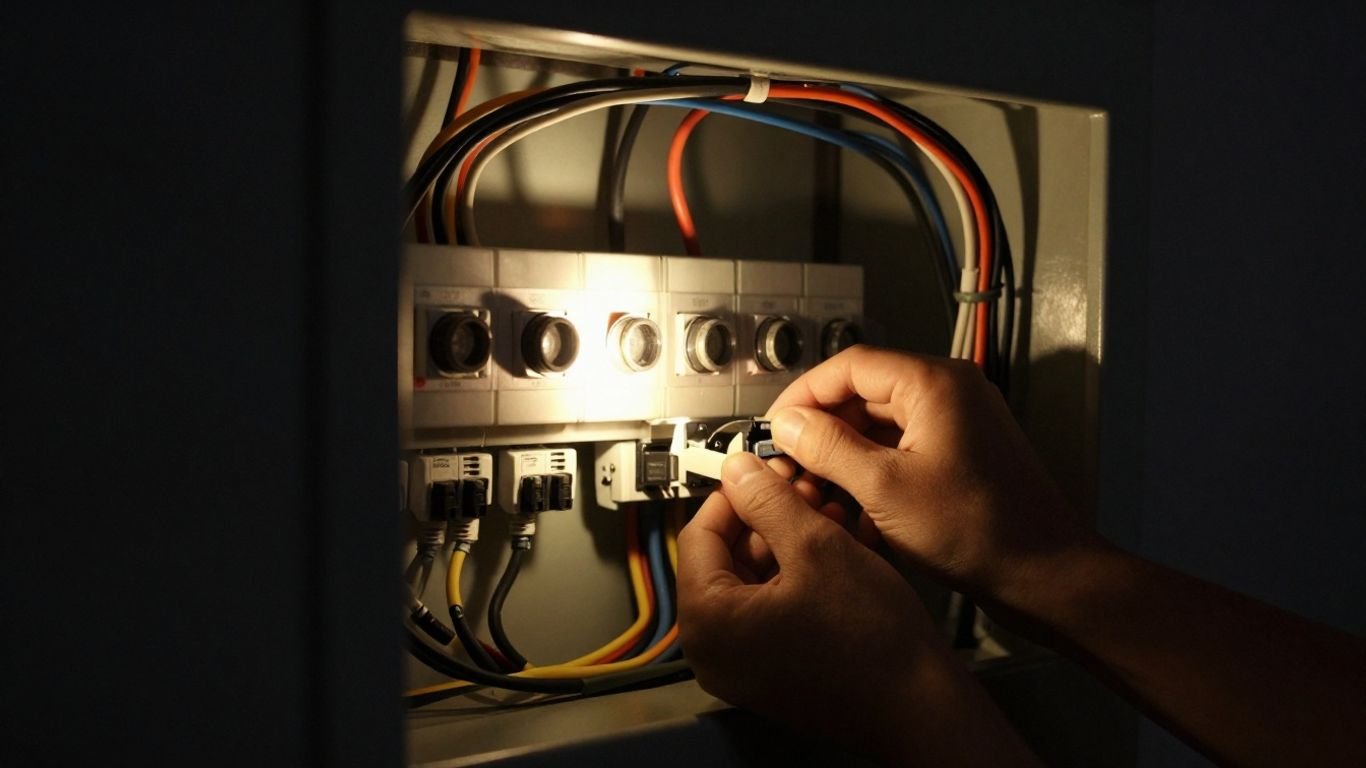
If you want to be really precise, you can actually measure the load on your existing backup battery system. This involves using a multimeter or an amp meter. You’d place the meter in line with the battery and then switch off the main power. This lets you see exactly how much power your devices are drawing in both their normal standby mode and when they’re actively working (the alarm state). This method is great for confirming your calculations or for systems that are already in place. It gives you real-world data for your [emergency power requirements].
Taking actual measurements can save you from over- or under-sizing your backup system. It’s like double-checking your work before submitting it – better to be sure than sorry when the power goes out.
Utilizing Manufacturer Calculator Programs
Many manufacturers of backup power equipment, especially for security and alarm systems, offer online tools or software to help you figure out your needs. These programs often guide you through a series of questions about your equipment and desired run times. They can be incredibly helpful for getting a solid estimate, especially if you’re dealing with complex systems or a lot of different devices. These tools can simplify the [backup generator load calculation] process significantly. You can often find these on the websites of companies that make power supplies and related gear. For example, some systems can be sized using tools that help determine [cbab].
Addressing Evolving Technology in Backup Power
Things are changing fast, aren’t they? Our homes and businesses are packed with more electronics than ever before. Think about it: your security system, your internet router, maybe even your smart thermostat – they all need power. And when the grid goes down, these devices can become useless if they aren’t accounted for in your backup power plan. This is especially true with the rise of things like AI data centers, which have huge and fluctuating power demands that need careful management [0839].
Powering IP Devices and Network Equipment
Remember when alarm systems just had a few wires? Those days are mostly gone. Now, we’re talking about IP cameras, network switches, and Wi-Fi routers. These devices communicate over the internet, and they need their own power source during an outage. If your backup system isn’t designed to handle these extra loads, your entire network could go dark.
- Routers and Modems: Keep your internet connection alive.
- Network Switches: Power for multiple connected devices.
- IP Cameras: Maintain surveillance even when the power is out.
- VoIP Phones: Ensure communication lines stay open.
Integrating VoIP and Cellular Communications
Voice over IP (VoIP) and cellular communication are becoming standard for many businesses and even some home security systems. These technologies rely on network infrastructure that, like everything else, needs backup power. A system that only powers basic alarms might fail to keep your communication lines open when you need them most. It’s about making sure your calls, data, and alerts can still get through.
Considering Portable Power Solutions
Sometimes, a whole-house generator isn’t the answer, or maybe you need something flexible. Portable power stations are becoming a really popular option. They’re basically big rechargeable batteries that can power multiple devices at once, just like a wall outlet. They’re quiet, don’t have fumes, and can keep your essential electronics running, from laptops and printers to phones and routers. This is great for keeping your home office going or powering critical medical equipment. They’re built tough, too, so you can even use them outside if needed [5007].
The shift towards more connected devices means our backup power needs are no longer just about keeping the lights on. We need to think about the entire ecosystem of electronics that keep our lives and businesses running smoothly. Ignoring these newer technologies in your backup plan is like planning a trip without considering the roads you’ll actually be driving on.
The Value of Upselling Extended Backup Power
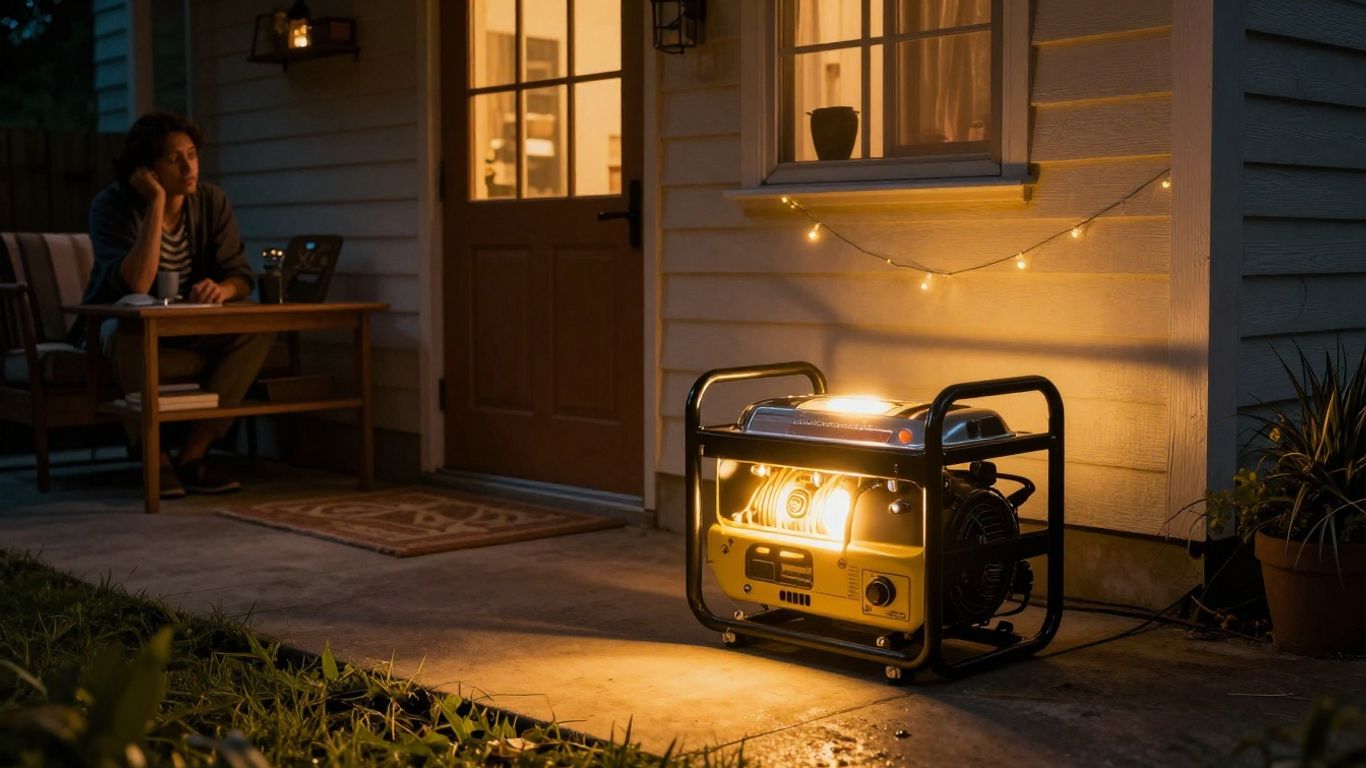
You know, when you’re talking to a customer about backup power, it’s easy to just focus on the basics. But there’s a whole other level you can offer, and honestly, it benefits everyone. Think about it like this: you’ve just installed a solid backup system for their critical needs. What if something unexpected happens, like a really long outage? Offering them a bit more juice, a bit more runtime, can make a huge difference.
Boosting Business Bottom Line with Added Services
It’s not just about selling more equipment; it’s about providing a more complete solution. When you can offer extended backup power, you’re essentially selling peace of mind for a longer duration. This can be a real game-changer for businesses that can’t afford any downtime. Imagine a small grocery store losing all their refrigerated stock because the power was out for 48 hours instead of the expected 24. That’s a massive financial hit. By upselling, you help them avoid that kind of disaster. It’s a way to increase expansion revenue and show you’re really looking out for their business continuity.
Offering Annual Maintenance and Battery Checks
Part of offering extended power is also about making sure the system stays in top shape. This is where annual maintenance comes in. You can offer a service package that includes checking the batteries, testing the generator, and making sure everything is running smoothly. Batteries, especially, don’t last forever. They degrade over time, and knowing their actual condition is key. A simple battery checkup can prevent a failure when it’s needed most. It’s a proactive step that customers appreciate, and it keeps your service department busy.
Here’s a quick look at what a maintenance check might involve:
- Battery Health Assessment: Testing voltage, specific gravity (if applicable), and looking for any signs of corrosion or damage.
- Generator Run Test: Ensuring the generator starts and runs at the correct RPM and voltage under load.
- Fluid Levels Check: Verifying oil and coolant levels are within the proper range.
- Filter Inspection: Checking air, fuel, and oil filters for cleanliness and replacing if necessary.
- Connection Tightness: Ensuring all electrical connections are secure and free from corrosion.
Communicating the Benefits of Extra Coverage
So, how do you get customers to see the value in this extra coverage? You have to talk about it. Don’t just assume they understand. Explain the risks of extended outages. Use real-world examples, like the grocery store scenario, or a home where a prolonged outage could lead to burst pipes in winter. Highlighting the potential financial losses they can avoid often makes the extra cost seem small. It’s about painting a clear picture of what could happen and how your extended solution prevents it. It’s not just about having power; it’s about having reliable power when they need it most, for as long as they might need it. This kind of proactive approach is what builds trust and loyalty, and frankly, it’s just good business.
When you’re discussing backup power options, remember that the ‘standard’ coverage might only get a customer through a typical outage. However, nature and the grid don’t always stick to typical. Offering a system that can handle longer durations, perhaps by adding more battery capacity or a larger generator, directly addresses the possibility of prolonged disruptions. This isn’t just about convenience; it’s about safeguarding investments, whether that’s inventory in a business or a home’s structural integrity during extreme weather. Think of it as insurance for their power supply, and like any good insurance, it’s best to have it and not need it, than to need it and not have it.
Selecting the Right Backup Power System
So, you’ve figured out what you absolutely need to keep running when the power goes out. Now comes the part where we pick the actual machine to do the job. It’s not just about grabbing the biggest one you see; there’s a bit more to it. Getting the sizing right is probably the most important step. Think of it like buying shoes – you wouldn’t buy a size too small or way too big, right? Same idea here.
Determining Generator Power Output (kW)
This is all about how much juice your generator can put out, measured in kilowatts (kW). You need to match this to the total power your critical appliances will draw. If you only need to run a few lights, a small fridge, and your modem, you won’t need the same size as someone who wants to keep their whole house, including the air conditioning, running. It’s a good idea to make a list of everything you want powered and then add up their wattage. Remember to account for startup power, too, as some appliances, like refrigerators or pumps, draw a lot more power when they first kick on.
Here’s a quick look at typical needs:
- Essentials Only: Lights, fridge, modem, a few small appliances. Might be in the 5-10 kW range.
- Comfort Level: Essentials plus a few more comforts like a TV, microwave, or maybe a well pump. Could be 10-20 kW.
- Whole House: Running almost everything, including HVAC systems. This will push you into the 20 kW+ range.
Choosing Appropriate Fuel Types
Generators run on different fuels, and what works best depends on where you live and what’s available. The most common options are:
- Natural Gas: If you have a natural gas line to your house, this is often the easiest. It’s reliable and you don’t have to worry about storing fuel. The downside? You’re dependent on the gas line staying active during an outage.
- Propane (LP Gas): Stored in tanks, propane gives you independence from utility lines. You’ll need to keep an eye on your tank levels and arrange for refills. Tanks can be above or below ground.
- Diesel: These are often found in larger commercial units. They’re fuel-efficient but can be noisier and more expensive upfront.
The choice of fuel impacts not only the generator’s operation but also its ongoing cost and logistical needs. Consider long-term availability and storage requirements for your specific location.
Evaluating Key Features and Automatic Transfer Switches
Beyond just power output and fuel, look at the features. An automatic transfer switch (ATS) is a big one. This device is the brain of the operation. It constantly monitors your home’s power. When the grid goes down, the ATS tells the generator to start up and then safely switches your home’s power from the grid to the generator. When the power comes back on, it switches you back and tells the generator to shut down. It’s a hands-off process that gives you real peace of mind. Other features to consider include remote monitoring (so you can check on it from your phone), quiet operation, and clean power output for sensitive electronics. Making sure your backup system is properly sized is key to [sizing backup power systems] effectively for your home or business. For a professional approach to load planning, consider resources that help with [determining the correct battery size] to meet your energy needs. [Choosing the correct backup power system] involves matching the solution to your specific operational needs.
Professional Installation and System Integration
So, you’ve figured out how much backup power you need and picked out the right system. That’s great! But here’s the thing: getting that backup power system hooked up and running smoothly isn’t usually a weekend DIY project. It involves some serious electrical and sometimes plumbing work, and it really needs to be done right for safety and reliability. This is where professional installation and system integration become super important.
The Role of the Automatic Transfer Switch
Think of the Automatic Transfer Switch (ATS) as the traffic cop for your power. It’s constantly watching the power coming from the utility company. The second it notices the power’s gone, it gets to work. It tells the generator to fire up. Then, in just a few seconds, it safely disconnects your house from the main grid – this is key to stop electricity from flowing back and hurting anyone working on the lines. After that, it switches your home’s power source over to the generator. This whole dance happens automatically, so you don’t have to do a thing. It’s a pretty neat piece of tech that makes sure your backup power kicks in without you even noticing.
Connecting Generators to Home Electrical Systems
Getting the generator hooked up means more than just placing it in the yard. It needs to be permanently wired into your home’s main electrical panel. This usually involves running new wiring from the generator location to your panel. If you’re using a natural gas generator, a plumber will need to connect it to your gas line. For propane models, a propane tank needs to be properly installed and connected. It’s a permanent setup, designed to be ready whenever you need it. For those looking for robust, localized power solutions, understanding how microgrids work can offer a broader perspective on resilient energy systems.
Ensuring Safe and Efficient Power Transfer
Proper installation isn’t just about getting the lights on; it’s about safety and making sure everything runs efficiently. This means:
- Site Preparation: The generator needs a stable, level spot, often a concrete pad, placed away from windows and doors to manage noise and exhaust fumes.
- Permits and Inspections: Most areas require permits for generator installations to make sure they meet safety codes. A professional installer will handle this paperwork.
- System Testing: After installation, the system needs to be tested to confirm the ATS is switching correctly and the generator is producing stable power.
When you invest in a generator, you’re not just buying a machine; you’re investing in a complete power solution. This includes the generator itself, the critical transfer switch, and the professional labor to connect it all safely and correctly. It’s about peace of mind, knowing that when the grid fails, your home will still have power, and that the system is operating within all safety regulations.
Choosing a provider that offers custom backup power solutions, like Concentric USA, can help streamline this entire process, from assessment to final integration, making sure your system is tailored to your specific needs.
Preventing Outage-Related Damage and Ensuring Peace of Mind

When the power goes out, it’s not just about losing the lights. We’re talking about real, tangible losses that can pile up fast. Think about your refrigerator or freezer – one long outage means all that food is ruined. That’s money down the drain, and then you’ve got the mess to deal with. And it doesn’t stop there. If you live somewhere with cold winters, a lack of heat can lead to frozen pipes, which can burst and cause serious water damage. For those in humid climates, the AC shutting off can quickly lead to mold growth.
Mitigating Financial Losses from Spoiled Food and Water Damage
It’s easy to underestimate the cost of a power outage until it happens to you. The price of groceries alone can be significant, and losing an entire week’s worth of food is a financial hit. Add to that the potential costs of repairing water damage from burst pipes or dealing with mold remediation, and the expense quickly escalates. A backup power system can often pay for itself after just one significant outage by preventing these kinds of costly damages. It’s a practical way to protect your assets and avoid major repair bills.
Protecting Against Security System Failures
Your home security system is designed to keep you safe, but it’s useless without power. During a natural disaster or widespread outage, when people might be more desperate, your security system needs to be operational. This includes not just alarms but also surveillance cameras and communication systems. Relying solely on battery backups for these critical components might not be enough for extended outages. Considering a generator that can power your entire security infrastructure means your home remains protected, no matter what’s happening outside. This is especially important if you’re away from home during an outage; you want to know your property is still being monitored. For alarm systems, understanding the power draw in both standby and alarm states is key to sizing your backup correctly. Alarm power supply manufacturers often have tools to help with this calculation.
Gaining Invaluable Peace of Mind During Disruptions
Beyond the financial and security aspects, there’s the simple, yet profound, benefit of peace of mind. Knowing that your family will remain comfortable and safe, with lights, heating or cooling, and essential appliances still running, is a huge relief. It means you don’t have to worry about where you’ll sleep or how you’ll keep your children comfortable during a storm. This sense of security is hard to put a price on. It allows you to weather any disruption with confidence, rather than with anxiety.
The ability to maintain normal household functions during an unexpected loss of utility power transforms a potentially stressful event into a manageable inconvenience. It’s about maintaining your routine and comfort, safeguarding your property, and keeping your loved ones secure when they need it most.
Don’t Get Caught Off Guard
So, we’ve gone over how to figure out what kind of backup power you actually need. It might seem like a lot at first, but really, it just comes down to knowing what you want to keep running when the lights go out. Whether it’s just the basics or your whole setup, planning ahead means you won’t be stuck in the dark, literally. Taking a little time now to sort out your power needs will save you a lot of hassle, and maybe even some money, when the next outage hits. It’s about being prepared, plain and simple.
Frequently Asked Questions
Why is backup power important for my business or home?
When the main power goes out, backup power keeps essential things running. This could be your lights, refrigerator, security system, or important business equipment. It prevents big problems like losing food, damage from frozen pipes, or your security cameras stopping working. Think of it as a safety net for when the electricity grid fails.
How do I figure out how much backup power I need?
You need to list all the things you want to keep powered during an outage. Then, you figure out how much electricity (amps) they use when they’re just on (standby) and when they’re working hard (alarm state). You also need to think about how long you want the backup power to last. It’s often smart to add a little extra to be safe, especially since batteries don’t last forever.
What’s the difference between standby and alarm state loads?
A ‘standby load’ is the power used by devices when everything is normal and the backup system isn’t actively powering anything – like a security camera just sitting there. An ‘alarm state load’ is the power used when something is happening, like a security system actively detecting motion or sounding an alarm. The alarm state usually uses much more power.
How long do backup batteries last, and do they lose power over time?
Backup batteries, especially the common sealed lead-acid type, typically last about three to five years. As they get older, they don’t hold as much power as they used to. So, even if a battery is rated for a certain amount of power, an older one might only give you 50-80% of that. This is why it’s important to consider battery age when planning your backup power needs.
Are there tools to help me calculate backup power needs?
Yes, absolutely! Many companies that make alarm system power supplies have online tools or programs that can help you figure out exactly what you need. You can also use a simple tool called an amp meter. You connect it to your backup battery, turn off the main power, and see how much power your system is using in both standby and alarm modes. This helps confirm your calculations.
What are IP devices, and how do they affect backup power?
IP devices are things like internet routers, network cameras, and VoIP phones that connect using the internet (Internet Protocol). Because more and more security and communication systems use these devices, you need to include them in your backup power plan. They need power just like any other piece of equipment to keep your network and communications running during an outage.