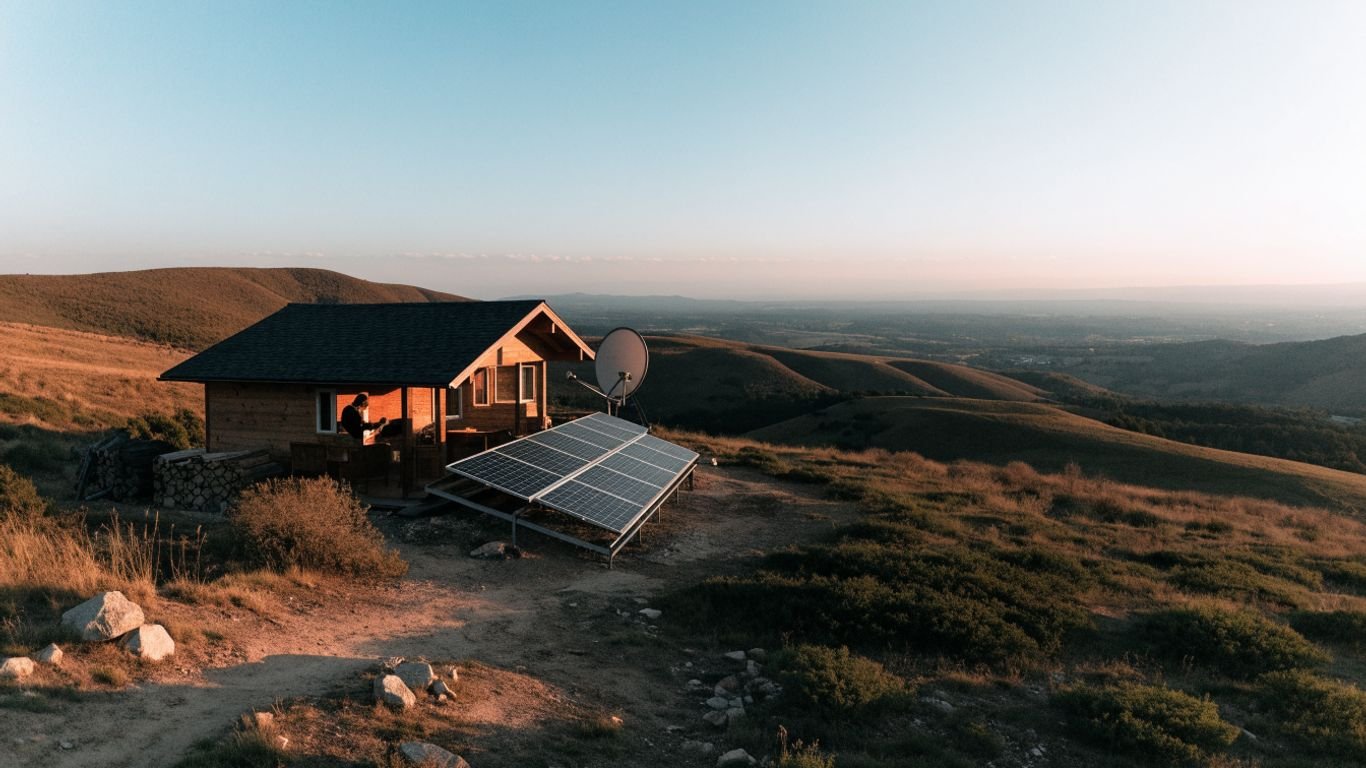
How Much Power Does Off-Grid Satellite Internet Need?
Key Takeaways
Satellite internet power needs depend on the terminal, router, operating schedule, and conditions at your site. A short measurement and a few simple calculations can turn a rough guess into a practical power plan.
- Watts describe the rate of power use; watt-hours measure energy used over time.
- Check the equipment’s own ratings and, where possible, measure actual consumption.
- Add up each device’s daily watt-hours, then allow for conversion losses and changing conditions.
- Size batteries for the hours without solar input and panels for realistic local sunlight.
- Scheduling use and avoiding unnecessary conversion can reduce the energy your connection needs.
How satellite internet power use is measured
To plan satellite internet off grid power, start by separating the rate at which equipment draws electricity from the total energy it uses over a day. The distinction matters because a system with a moderate draw can still use a lot of energy if it stays on around the clock. Once the units are clear, you can compare device ratings with your own routine. Treat any initial estimate as a starting point, not a substitute for checking the equipment you own.
Watts, watt-hours, and kilowatt-hours explained
A watt (W) is a measure of power at a moment in time. A watt-hour (Wh) is the energy used by a one-watt load running for one hour; 1,000 Wh equals one kilowatt-hour (kWh). For example, a 50 W device running for four hours uses 200 Wh. Keeping the units straight makes it easier to compare a device label with a battery’s capacity, which is commonly stated in watt-hours or kilowatt-hours.
Power draw versus total energy used
Power draw tells you how much electricity equipment needs while operating; daily energy use accounts for how long it operates. A terminal drawing 60 W for five hours uses 300 Wh, while the same terminal left on for ten hours uses 600 Wh, assuming the draw stays constant. In practice, power can vary, so operating time matters just as much as the headline watt figure. This is why a daily schedule is useful alongside the equipment rating.
Why advertised power figures may differ from real-world use
A published rating may describe a particular operating condition, while your actual use changes with the equipment’s activity and environment. The router, power supply, and any conversion equipment can add to the total, too. For a household that uses the connection for calls, work, or quick online checks—perhaps including remote payroll compliance or setting out-of-office replies—the terminal may be on longer than a short list of tasks suggests. Use the rating as a planning reference, then measure the complete setup if you can.
Typical power needs of satellite internet equipment
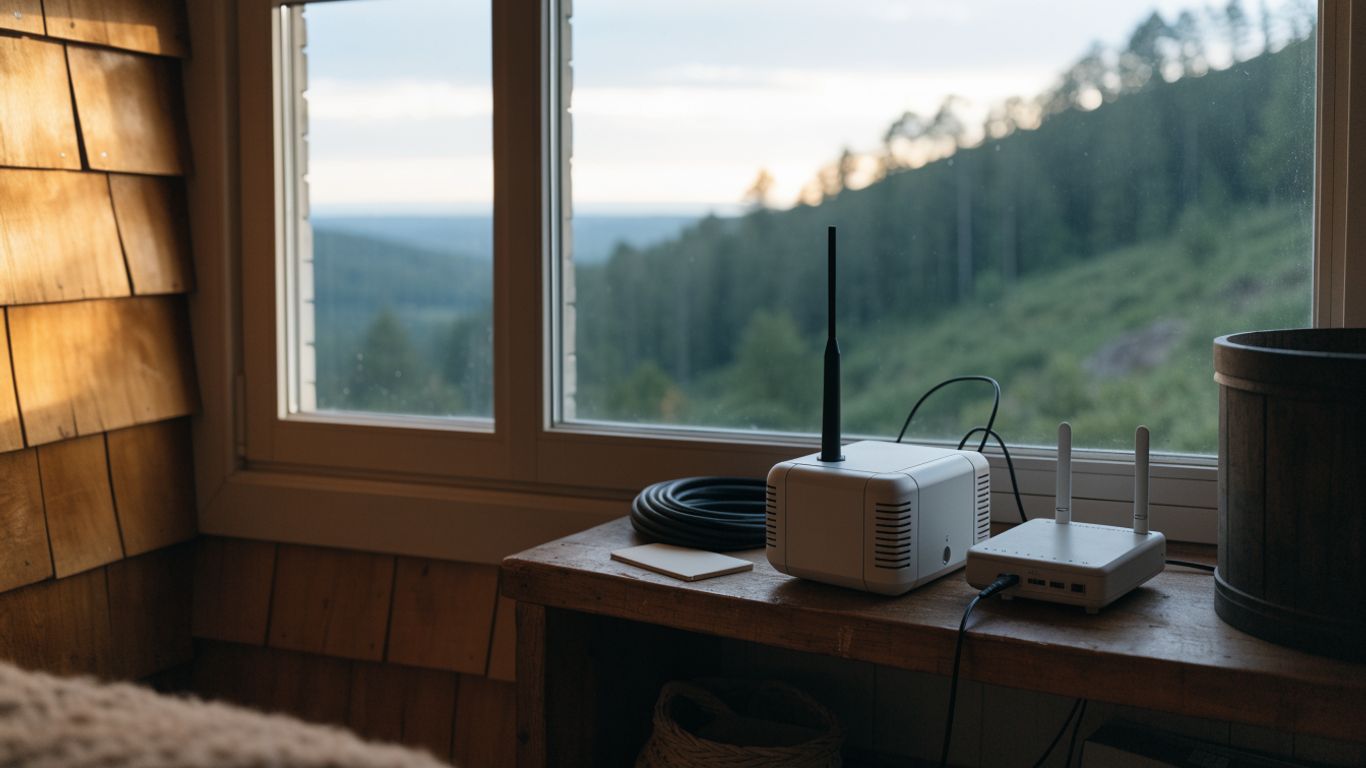
A satellite internet setup usually includes a terminal and a router, and sometimes a separate power supply or inverter. The exact combination depends on the system, so there is no single figure that applies to every installation. Look at the labels and manuals for each component, then consider whether they run continuously or only during chosen connection windows. The example below shows how to convert a simple load into daily energy; its values are arithmetic examples, not equipment recommendations.
Dish or terminal power consumption
The terminal is often the main load in a satellite internet setup, but its actual draw depends on the specific equipment and its operating state. Check the manufacturer’s stated input requirements and any information about typical or peak consumption. If the documentation lists only a maximum figure, treat it as a conservative reference rather than assuming the terminal constantly uses that amount. A plug-in energy meter can help show how the load behaves during your own use.
Router and Wi-Fi equipment draw
The router adds its own load, and a separate access point or mesh unit may add more. Check each device label or manual rather than assuming the router’s use is included in the terminal’s rating. For a rough illustration, the table shows how sample power levels translate into energy over a set number of hours.
| Example load | Operating time | Energy used |
|---|---|---|
| 50 W terminal | 4 hours | 200 Wh |
| 10 W router | 8 hours | 80 Wh |
| 60 W combined load | 4 hours | 240 Wh |
These examples use constant power to keep the arithmetic clear. If both devices run for different lengths of time, calculate them separately and add the results rather than multiplying a combined figure by the wrong number of hours.
Standby use and startup power
Equipment that appears idle may still draw power when left connected, so standby should be included if the setup remains energized between sessions. Startup demand can also briefly differ from steady operation, and an inverter must be able to handle the equipment’s requirements. Check the documentation for any stated startup or peak figures. If you are choosing a battery or inverter, do not size it from daily watt-hours alone; also confirm it can supply the necessary power at a given moment.
How different satellite systems compare
Satellite systems differ in their terminal design, included network equipment, and power specifications. Compare the complete setup rather than judging by the dish or terminal alone: a separate router, power supply, or other required component changes the total. When considering off-grid internet options, use the precise equipment model and its documentation to make a fair comparison. Avoid relying on a generic “satellite internet” watt figure when sizing a real system.
What affects off-grid satellite internet power use
The equipment rating is only part of the picture; the way you use and power the connection matters too. A system that runs all day has a different daily energy requirement from one switched on for a few planned sessions. Weather, placement, temperature, and the rest of the power system can all affect how much energy you need to budget. Understanding these variables helps explain why a setup that works at one site may need adjustments at another.
Network activity and number of connected devices
Connected devices use their own power, but they do not necessarily cause the satellite terminal’s draw to rise in a simple one-to-one way. Activity still matters to your overall energy plan, especially if it leads to longer connection times or additional equipment being switched on. A household might use the connection for video calls, online research, or soccer statistics; the task itself is only one part of the calculation, while the time the terminal and router stay on is central. Include the devices you intend to power in your wider off-grid load estimate.
Weather, obstructions, and signal conditions
A clear view in the direction required by the equipment helps it maintain its connection. Trees, buildings, or other obstructions can interrupt service, so check the installation guidance and observe the site through different conditions. Weather can affect service availability, but the size and direction of any change in electrical use depend on the particular system. Allow a practical margin in your energy plan rather than assuming ideal conditions every day.
Cold temperatures and equipment heating
Cold conditions can affect battery performance, and some equipment may use power for heating or other temperature-related functions if its design includes them. Consult the equipment and battery documentation for operating limits and any specific instructions. Do not assume every terminal has a heater or uses the same amount of energy in cold weather. If winter use is part of the plan, estimate it separately and provide a suitable operating environment for the power equipment.
Always-on use versus scheduled connection times
Leaving the system on continuously is convenient, but it means accounting for its draw across many more hours. Scheduled sessions can reduce the time it is powered, provided they fit the household’s needs and the equipment can be restarted as required. Before setting a schedule, note which tasks require a connection and when they happen. A family checking ABA therapy costs in Missouri or a reader accessing a book offer are just examples of online tasks; grouping necessary sessions can make the schedule easier to manage.
How to estimate your daily energy requirement
A useful estimate starts with the devices you actually plan to run, not a broad average from someone else’s setup. Record each device’s power, estimate its daily operating time, and calculate energy use in watt-hours. Then include losses in the power path and a reserve for days when conditions or routines differ. The result will not predict every moment’s draw, but it gives you a much firmer basis for choosing storage and generation.
Find power ratings for each device
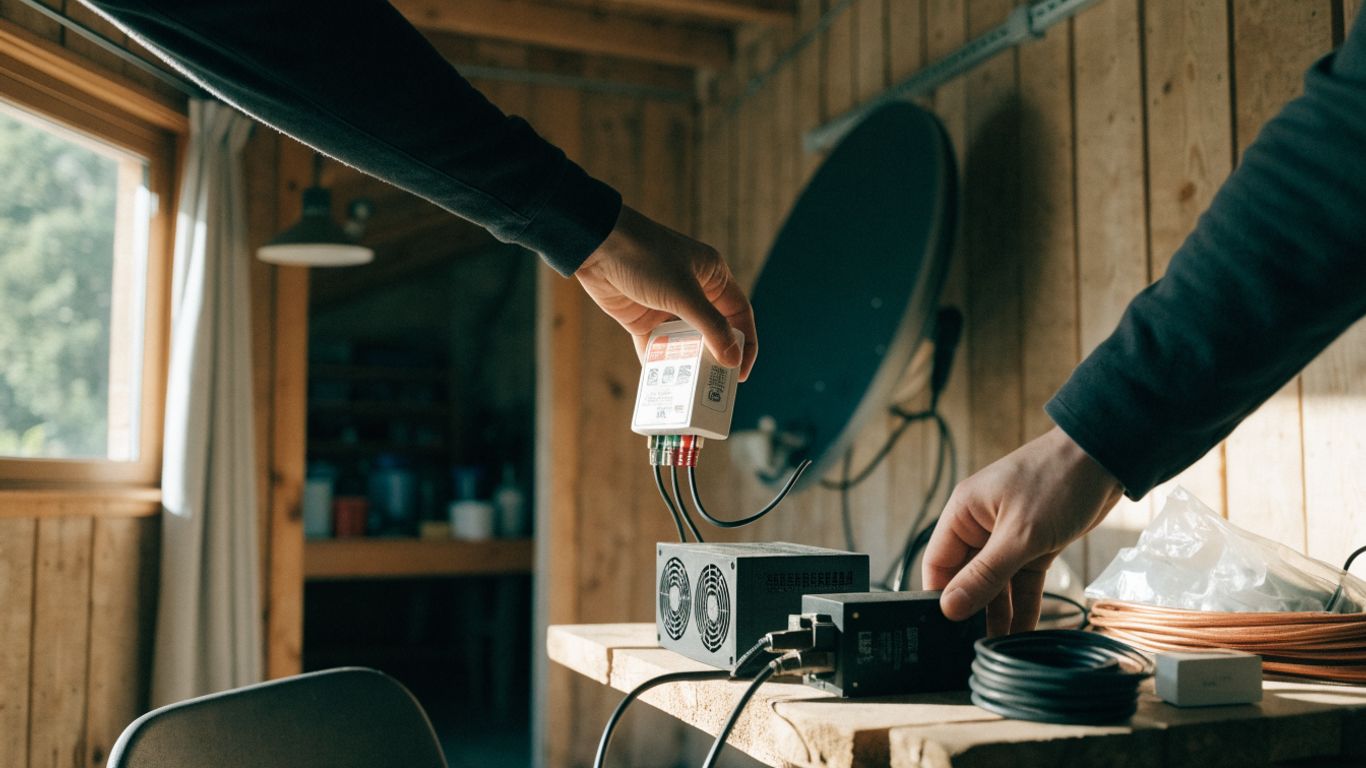
Write down the terminal, router, and any other required networking equipment, then find each unit’s input rating in its manual or on its label. Note whether the figure is a maximum, typical value, or a range; the wording matters when you use it for planning. If the information is unclear, measure the device with an appropriate meter rather than guessing. Keep AC and DC ratings distinct, since they relate to different parts of the power path.
Calculate watt-hours from daily operating hours
For each device, multiply its power in watts by the number of hours it runs per day. Add the individual results to get the daily energy estimate: a 40 W load used for six hours, for example, uses 240 Wh. If a device cycles or varies, a meter reading over a representative period may give a more useful average. Repeat the calculation for weekdays and weekends if your routine changes substantially.
Include inverter and cable losses
When equipment uses AC power supplied by a battery system, an inverter converts the battery’s DC electricity to AC and consumes some energy in the process. Cables and other components can also introduce losses. Use the specifications for your actual equipment to estimate these effects; do not assume the battery will deliver every watt-hour stored to the load. If your system’s efficiency is given as a percentage, divide the load’s energy requirement by that percentage expressed as a decimal to estimate the input energy required.
Add a reserve for changing conditions
A plan based on a single ideal day can leave little room for longer sessions, cloudy weather, or an unexpectedly busy household. Add a reserve that reflects your site and how much interruption you can tolerate, rather than picking an arbitrary universal margin. For comparison, you can also review a rural broadband backup plan and the broader choices for internet during outages. Use your own load measurements and expected outage conditions to decide what reserve is appropriate.
How to size batteries and solar for satellite internet
Battery and solar sizing connect the daily energy estimate to the hours when sunlight is unavailable. A battery must cover the intended period of use, while panels must replenish the energy consumed and account for local solar conditions and system losses. If the connection shares a power system with household loads, plan for those at the same time rather than treating internet as the only demand. A satellite internet backup plan can provide another perspective on the backup components to consider.
Choose battery capacity for overnight and cloudy periods
Estimate the watt-hours needed during the period when solar is not producing useful energy, then compare that figure with the battery’s usable capacity. The total capacity printed on a battery is not always the amount intended to be used; check the manufacturer’s guidance, operating limits, and the system voltage. If you need multiple days of autonomy, include the loads across those days and decide how much reserve is practical. Battery chemistry, temperature, and age can also affect available capacity.
Estimate solar panel output for your location
Panel nameplate power is not the same as the energy a panel will deliver each day. Output depends on factors such as location, season, shading, orientation, and conversion losses. Use local solar information for the less sunny part of the year if the system needs to work year-round, and avoid sizing from a clear summer day alone. A sensible estimate includes enough generation to serve expected loads and recharge the battery within the available sunlight.
Match the power system to direct-current or AC equipment
Check whether each device requires DC or AC power and follow its specified voltage and connection requirements. If a device needs AC, an inverter may be necessary; if equipment accepts a supported DC input, a suitable DC supply may avoid one conversion step. Do not connect equipment to a different voltage or connector just because it seems convenient. Confirm compatibility in the equipment documentation before choosing cables, adapters, or power supplies.
Account for other off-grid loads
Satellite internet is only one part of an off-grid energy budget. Add lighting, refrigeration, water pumps, communications, and any other loads you expect to use, keeping their daily schedules in view. A simple checklist can keep the estimate from overlooking small but always-on devices:
- List each load and its rated or measured power.
- Estimate how many hours each one runs on a typical day.
- Calculate watt-hours separately, then add the totals.
- Mark which loads are essential during a low-sun period.
Review the combined total before choosing panel and battery capacity. If another load has priority during an outage, make that choice explicit so the internet estimate does not quietly assume all equipment can run at once.
Ways to reduce satellite internet power consumption
Reducing energy use usually starts with understanding when the connection is needed and what stays powered between sessions. Small changes to operating hours can matter because energy use accumulates over time. The goal is not to make the connection inconvenient, but to match its schedule and supporting equipment to the way people at the site actually work. Test any change and check that it does not conflict with the equipment’s instructions or essential access needs.
Use sleep or standby settings when available
Check whether the terminal or router provides a sleep, standby, or scheduled power option, and follow the manufacturer’s directions for using it. Not every system offers the same controls, and a low-power state may not be identical to switching equipment off. If you rely on remote access or automatic updates, consider what will be unavailable while the system sleeps. A short trial can show whether the energy saved is worth the change in convenience.
Schedule internet access around essential tasks
Group tasks that need a connection into predictable periods when that suits the people using it. This may reduce the time equipment is powered, especially if you can turn off the system between sessions. Keep flexibility for urgent communication and tasks that cannot wait. A simple written schedule can help everyone understand when the connection is available without turning power management into a daily guessing game.
Avoid unnecessary power conversion losses
Every conversion stage can add some energy use, so keep the power path as simple as equipment compatibility and safety allow. Use the correct, properly rated supply and avoid adding an inverter solely out of habit if a supported direct supply is available. Check the device’s voltage, current, and connector requirements before changing anything. The right choice is the one that meets those specifications, not simply the path with the fewest components.
Monitor actual consumption with a meter
A meter can show what the equipment uses over hours or days, including standby draw that a brief glance might miss. Measure the complete setup where possible, and record the conditions and schedule during the test so the number has context. Compare the reading with your estimate and update the battery and solar calculations if the gap is meaningful. For a visual overview of off-grid power planning, this video placeholder can sit alongside your own measurements.
Conclusion
Off-grid satellite internet power is best sized from the equipment you have, the hours you expect to use it, and the conditions at your location. Check the ratings, measure the real load when possible, and include conversion losses, battery limits, solar variability, and other household needs. With those pieces in view, you can build a system that fits your routine instead of relying on a generic wattage guess.
Frequently Asked Questions
How many watts does satellite internet use?
There is no single watt figure for every setup. Check the terminal, router, and required accessories individually, since equipment models and operating conditions vary.
How do I calculate daily energy use?
Multiply each device’s power in watts by its operating hours per day to get watt-hours, then add the devices’ totals. Include conversion losses if power passes through an inverter or other components.
Should I leave satellite internet on all day?
That depends on how often you need access and what the equipment supports. Continuous use is convenient but requires planning for the energy consumed across the full day; scheduled use may reduce operating hours.
How large should a battery be for satellite internet?
Base capacity on the energy needed during the period without useful solar input, then account for usable battery capacity, operating limits, and any other loads sharing the battery.
Can solar panels power satellite internet?
Solar panels can contribute energy to an off-grid system, but the system must also store energy for periods without adequate sunlight. Size generation and storage using local conditions and measured or documented equipment loads.
Does cold weather affect the power plan?
It can. Battery performance may change with temperature, and some equipment may have temperature-related power needs. Check the operating guidance for both the battery and networking equipment.
How can I measure the actual power draw?
Use a meter suitable for the type of power and connection involved, and measure the full setup over a representative period. Follow the meter and equipment instructions, especially when working with mains voltage.