Reliable Backup Power for Rural Broadband Networks
Key Takeaways
Reliable backup power starts with understanding what each network site must keep running and for how long. A site-specific plan can reduce downtime without oversizing every system.
- Identify the network equipment and supporting systems that need power.
- Set runtime targets using local outages, site access, and seasonal conditions.
- Match batteries, generators, and solar to the site’s load and likely outage duration.
- Size equipment for usable energy, peak demand, and practical redundancy.
- Monitor, maintain, and prioritize systems according to network impact and lifecycle cost.
Why rural broadband sites need backup power
Rural broadband depends on powered equipment spread across a wide area, often with few alternate routes when a site goes offline. A utility outage can interrupt the connection between customers and the wider network, even when parts of that network remain operational. The right backup plan starts with recognizing how different site failures affect service.
How outages affect fixed wireless, fiber, and mobile backhaul
A fixed wireless site needs power for radios and network equipment; a fiber route may remain intact while its powered access or aggregation equipment does not. Mobile backhaul can also be affected when a rural site loses the equipment that carries traffic onward. The precise impact depends on network design, so operators should map which sites serve as shared links rather than assume every outage affects only nearby subscribers. Planning for digital continuity can also help teams consider what happens when both networks and utilities are unavailable.
Why remote locations can face longer restoration times
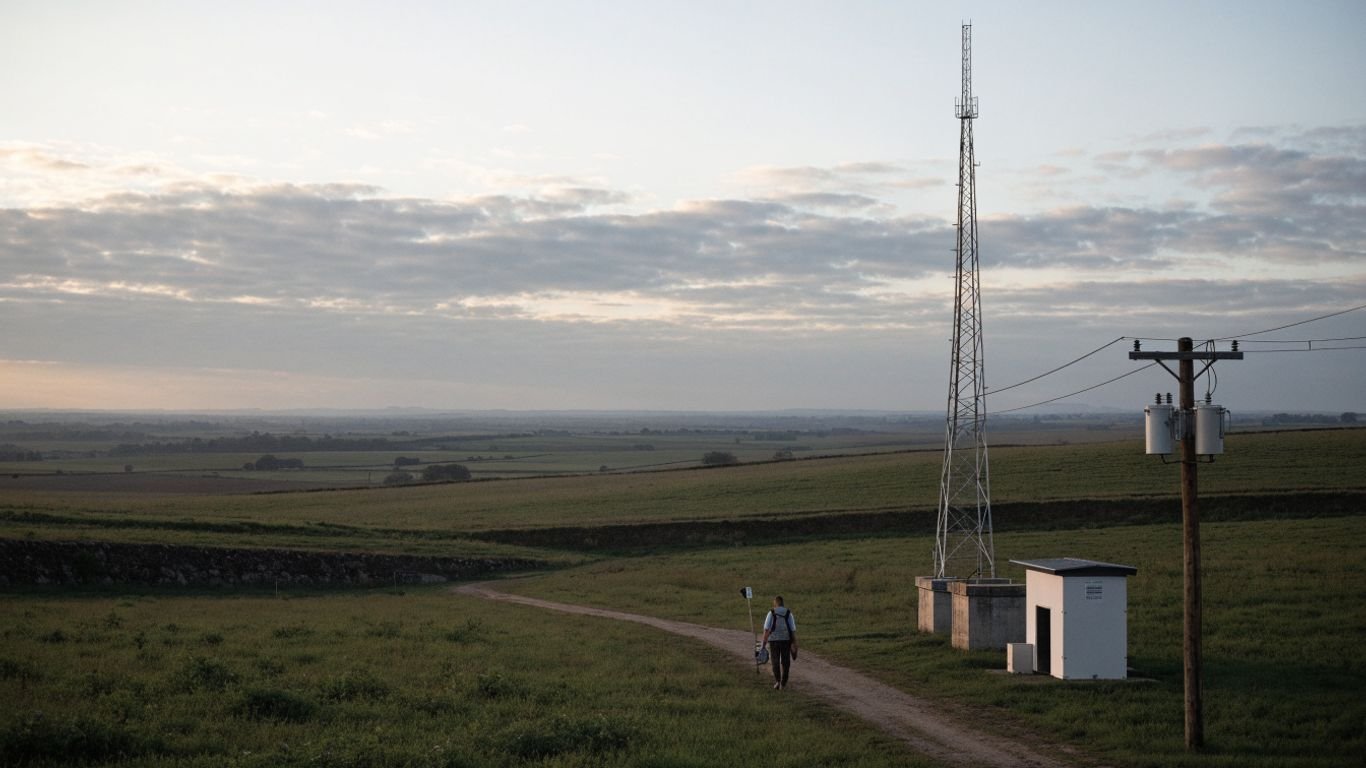
A remote site may be difficult to reach during storms, flooding, snow, or road closures, and repair crews may need to travel farther to investigate the cause of an outage. A short interruption at a nearby, accessible site can therefore become a longer service problem when power equipment, fuel, or access is limited. Access is part of runtime: a system that bridges the expected outage but cannot be serviced until roads reopen may need a different design from one near a staffed facility.
Which network sites are most critical to keep online
The most important sites are not always the largest. A small aggregation point or relay can serve as a link for multiple downstream locations, while another site may have a workable alternate route. Operators can trace dependencies through the network and identify where a single power failure would affect the most services. That map gives a clearer basis for prioritizing backup than equipment count alone.
How backup power supports emergency communications and service continuity
Keeping network equipment powered can help preserve communications when customers and local organizations need updates, contact with others, or access to online services. It does not guarantee that every connection remains available: the customer’s own equipment, upstream links, and other sites may also depend on power. Residential voice equipment has its own limits, as explained in this residential voice backup overview; network operators should make their service boundaries clear rather than imply that one battery supports every connected device.
Assess power needs at each network site
A backup system should be based on the site it serves, not on a standard package chosen for convenience. Begin with an equipment inventory, then measure how the load changes during normal operation and peak demand. Runtime goals and local conditions complete the picture, helping avoid systems that are either inadequate or unnecessarily large.
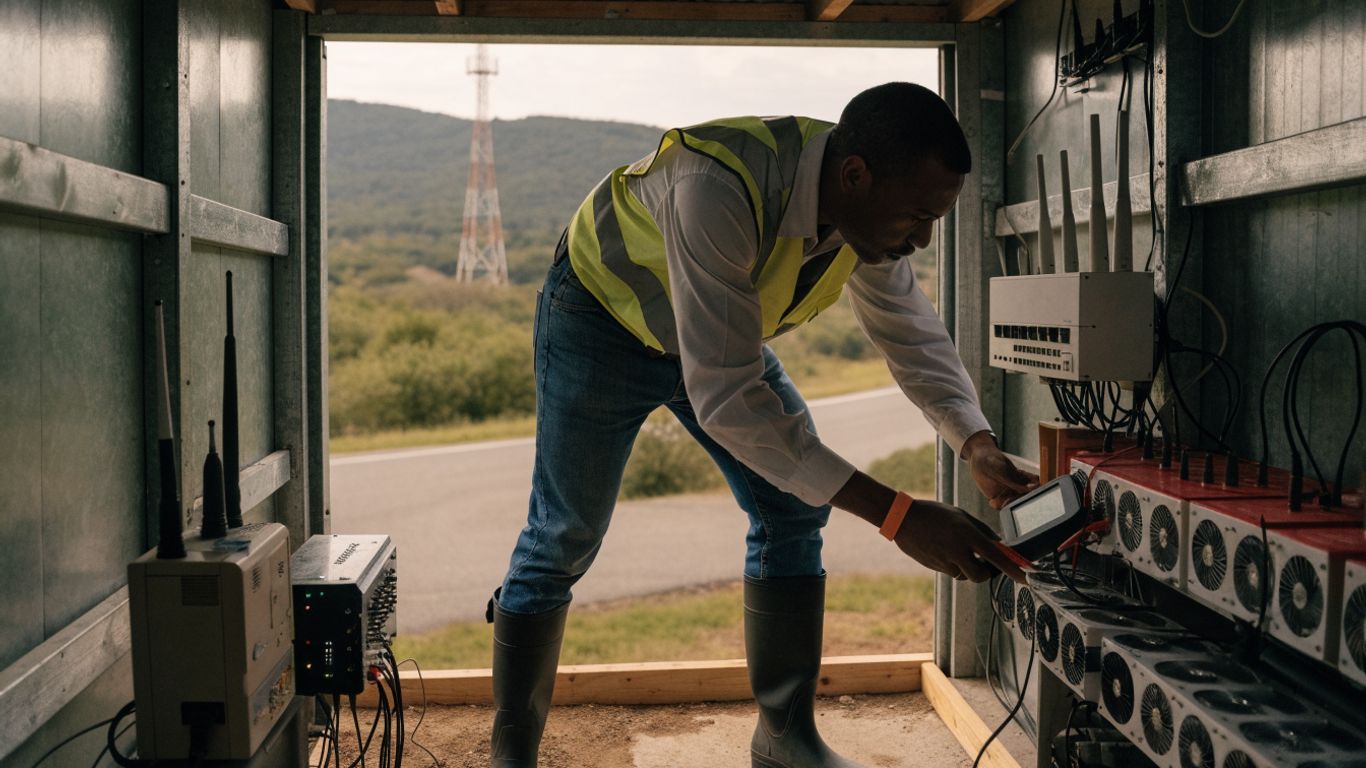
Inventory radios, routers, switches, and cooling equipment
Record every device that must remain operational, including radios, routers, switches, optical equipment, power conversion units, and any cooling or ventilation serving the room. Note which equipment can be shed during an outage and which functions are essential for service. It is also useful to record device location, power source, and dependencies, so the inventory shows how equipment works together rather than just listing model names.
Measure normal and peak loads instead of relying on nameplate ratings
A device’s nameplate rating indicates a possible electrical requirement, but it does not necessarily describe the site’s actual operating load. Measurements over representative operating periods can reveal baseline use, startup demand, and peaks that matter when selecting backup equipment. A simple site record can make those differences easier to compare:
| Site load measure | What to record | Why it matters |
|---|---|---|
| Normal operating load | Typical watts or amps during steady service | Establishes the day-to-day energy need |
| Peak demand | Highest observed load and when it occurs | Helps avoid equipment overload |
| Startup demand | Brief demand when equipment starts | Informs inverter and generator capacity |
| Support loads | Cooling, monitoring, and conversion losses | Captures power beyond the network devices |
Use consistent measurement units and note the measurement period. When comparing sites, these records are more useful than treating a nameplate value as a guaranteed continuous draw.
Set runtime targets based on local outage patterns and access constraints
Runtime should reflect both likely outage duration and how quickly a crew can reach the site. A location with frequent short interruptions may need a different balance of battery capacity and generator support than a remote site where fuel delivery or repairs could be delayed. Consider available utility restoration history, weather exposure, road access, and whether another network path can carry traffic. A general off-grid power plan can offer useful context on prioritizing essential loads and estimating runtime, though a carrier site requires its own engineering assessment.
Account for seasonal temperatures and site-specific conditions
Battery performance and equipment requirements can change with temperature, while wind, moisture, dust, and enclosure ventilation affect the site environment. Survey the actual installation area, including the condition of the shelter, available space, and likely exposure to water or debris. For outdoor sites, note how seasonal conditions might affect service visits and solar availability as well as electrical performance. These details can shape both system capacity and the maintenance plan.
Compare backup power options for rural networks
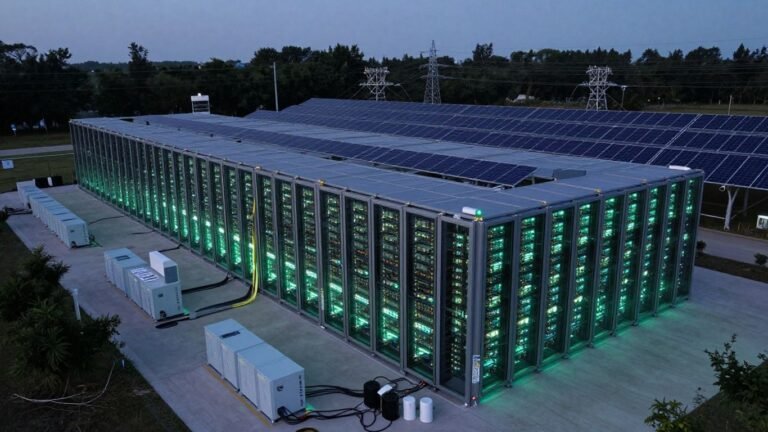
No single power source fits every rural broadband site. Batteries can bridge an interruption quickly, generators can support longer outages when fuel and maintenance are available, and solar can contribute energy where conditions and space allow. Comparing them against measured loads and target runtimes keeps the decision grounded in site needs.
Use batteries for fast, quiet backup at lower-load sites
Batteries can provide power without waiting for a generator to start, making them suitable for fast transfer and lower-load sites when appropriately sized. Their available runtime depends on usable capacity, load, system losses, battery condition, and temperature. Operators should account for the reserve needed to avoid exhausting storage and plan for replacement as equipment ages. A battery-only arrangement may be a good fit where interruptions are usually brief and recharging is dependable.
Consider generators for extended outages and high-power demands
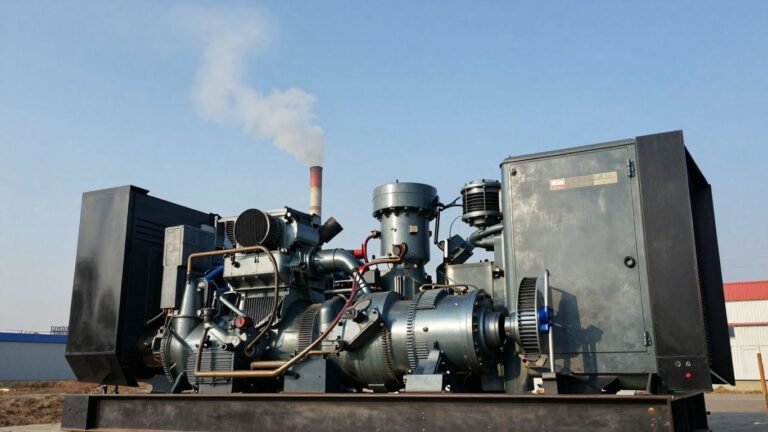
Generators may be appropriate where outages can last longer or the site has loads that make battery-only autonomy impractical. Selection involves more than rated output: fuel storage, starting and transfer arrangements, noise, ventilation, service access, and operating requirements all matter. Operators should confirm that the generator can support the intended load and that fuel can reach the site during the conditions most likely to cause an outage. A telecom-focused tower backup comparison discusses how generator and battery approaches can be considered alongside transfer equipment and redundancy.
Add solar to reduce fuel use where sunlight and space are suitable
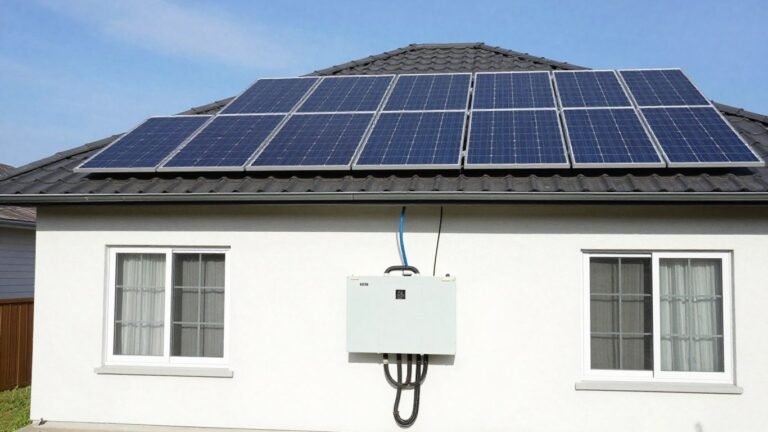
Solar can contribute power and reduce generator fuel consumption when the site has adequate sunlight, panel space, and a workable energy-storage arrangement. Its output varies with weather, season, shading, and system orientation, so it should not be treated as a constant supply. Assess whether panels can be installed securely and maintained without compromising site access or equipment protection. Solar is most useful when its contribution is modeled against the site’s real demand and local conditions.
Combine technologies to balance runtime, cost, and resilience
A hybrid system can pair batteries with a generator, and may add solar where it is practical. Batteries can respond to immediate power loss, while a generator can support a longer event and recharge storage; solar may offset some use when conditions permit. The mix should be evaluated against load, outage patterns, service logistics, and lifecycle cost rather than assembled from a fixed formula. This kind of 5G site planning likewise considers load, outage duration, location, and maintenance needs when comparing backup approaches.
Design and size a dependable backup system
Once the site load and backup approach are clear, design the equipment as a complete power path. Capacity is only one part of reliability: conversion equipment, switching, redundancy, and protection all influence whether the network can ride through an outage. A practical design should make assumptions visible so they can be reviewed and updated when the site changes.
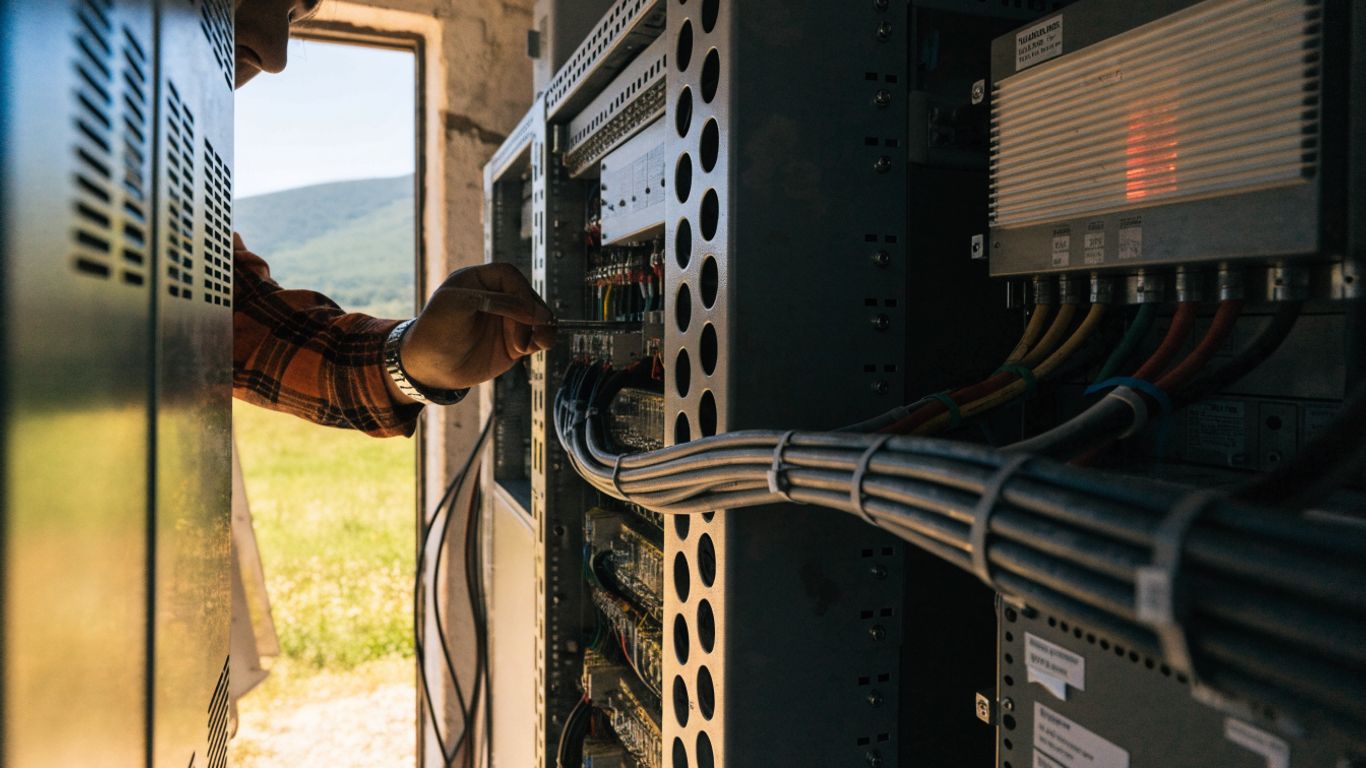
Calculate battery capacity and usable energy for the required runtime
Estimate the energy needed by multiplying the expected load by the target runtime, then account for conversion losses, reserve capacity, temperature, battery aging, and the limits on usable discharge. The resulting usable energy—not just the battery’s nominal capacity—is what matters during an outage. Check that the system can also recharge within a reasonable interval after an event. For a step-by-step overview of household load assessment and system sizing, see this home backup power guide; telecom installations require designs suited to their own equipment and operating conditions.
Match inverters, rectifiers, and transfer equipment to network loads
Confirm that inverters and rectifiers support the required voltage, current, and peak demand, while transfer equipment is compatible with the power source and the site’s operating arrangement. Account for startup surges and the quality of power required by sensitive electronics. Installation should follow equipment documentation and applicable electrical requirements, with qualified personnel checking the complete system rather than selecting components in isolation.
Build in redundancy for critical components and single points of failure
Redundancy may include parallel power paths, spare capacity, or backup components, but each addition should address a specific failure mode. A redundant battery does little if both banks depend on the same failed controller or if a single transfer device interrupts all power. Trace the path from utility input through storage or generation to network equipment, and identify shared components that could take the site down. Prioritize redundancy where a failure would have the greatest network impact.
Protect equipment from heat, cold, moisture, and voltage surges
Use suitable enclosures, ventilation, mounting, grounding, and surge protection for the site’s exposure and equipment requirements. Keep batteries and electronics within their specified environmental ranges and ensure that drainage and seals are maintained. Periodic inspection can catch corrosion, loose connections, blocked ventilation, or signs of water intrusion before they become service interruptions. Protection measures should be checked as part of the complete installation, not treated as an afterthought.
Monitor and maintain backup power equipment
A backup system only helps if it is available when needed. Monitoring can identify developing problems between visits, while inspections and tests confirm that equipment still performs under load. Remote sites need a maintenance plan that accounts for both the equipment and the logistics of reaching it.
Track battery health, fuel levels, alarms, and system status remotely
Remote monitoring can give operators visibility into alarms, battery condition, fuel status, and whether the system is operating as expected, where suitable monitoring equipment is installed. Define who receives alerts and what action follows; a notification that no one reviews does not resolve a fault. Keep status information linked to the site inventory so technicians can understand which loads and backup components are affected. Establish communication paths for reporting outages even when the primary network is impaired.
Schedule inspections and capacity tests before peak outage seasons
Testing and inspection are easier to plan before weather or access conditions make a site difficult to reach. A compact schedule can help teams keep recurring tasks visible:
- Inspect battery connections, enclosures, and ventilation.
- Test backup operation and transfer behavior under approved procedures.
- Check generator condition, fuel quality, and starting system.
- Review alarms, remote status, and unresolved maintenance items.
The specific intervals should follow equipment instructions and site requirements. Recording results allows teams to distinguish a completed visit from a verified system test and to spot recurring faults.
Plan fuel delivery and service access for hard-to-reach sites
For generator-supported sites, consider how fuel is stored, replenished, and delivered when roads or weather disrupt normal service. Confirm access arrangements, safe handling procedures, and the availability of service personnel before an outage occurs. Maintenance plans should also include realistic travel time and the parts likely to be needed, rather than assuming every site can be reached on short notice. Regional operating teams may need to coordinate schedules around local closures; a regional holiday calendar can be one planning reference where crews or vendors work across those dates.
Document faults, repairs, and runtime performance to improve reliability
Log outages, alarms, repairs, fuel use, test results, and actual runtime in a consistent format. Over time, this record can show whether a site routinely falls short of its target or whether a component fails repeatedly. Use that evidence to revise maintenance intervals, storage capacity, or equipment selection. Where operational teams are comparing implementation lessons, peer operations advice can complement a structured review of site data and technical requirements.
Plan a cost-effective rural backup power rollout
A rollout can proceed in stages, beginning with sites where failure would have the greatest effect or where restoration is especially difficult. The most economical choice is not always the lowest initial price; replacement, servicing, fuel, and installation all contribute to the long-term cost. Clear priorities also help coordinate engineering work with network upgrades and site access.
Prioritize sites by network impact, outage risk, and available alternatives
Rank sites according to the number and importance of services that depend on them, their exposure to outages, their restoration prospects, and whether traffic can be rerouted. A lower-load site can still deserve early attention if it is a single point of failure. Conversely, an accessible site with a reliable alternate path may be a later priority. Keep the rationale documented so that priorities can be revisited as network topology changes.
Compare lifecycle costs, including replacement, maintenance, and fuel
Evaluate capital cost alongside installation, battery replacement, generator servicing, fuel, monitoring, and site visits over the expected service life. A lower-cost system may become expensive if fuel delivery is difficult or maintenance is frequent; a larger system may also create unnecessary expense if the load estimate is inflated. Financial and operational teams can compare assumptions together, and their review may include contractor availability and worker protections—for example, electrician income protection is a topic relevant to some trade workers, but it is separate from equipment cost and system sizing.
Coordinate installation with network upgrades and site access
Combining backup installation with planned network work can reduce repeat visits, provided the schedule does not compromise commissioning or safety checks. Confirm site permissions, lifting and delivery needs, utility coordination, and access windows before equipment arrives. If installation depends on a contractor or specialist, identify required expertise and responsibilities early. Compare approaches with telecom tower power options as appropriate, while basing each site’s final design on its own load and access conditions.
Follow applicable electrical, fire, and environmental requirements
Design and installation should comply with applicable electrical codes, fire-safety rules, permitting, fuel-storage requirements, and environmental obligations. Requirements can vary by jurisdiction and by system type, so operators should confirm them with qualified local professionals and authorities. Document approvals, commissioning checks, and maintenance responsibilities as part of the site record. Good compliance planning supports safer work and makes future inspection or equipment replacement more straightforward.
Conclusion
Dependable rural broadband backup power is a site-by-site engineering and operations decision. Measure actual loads, set realistic runtime goals, select a suitable mix of technologies, and protect the equipment with monitoring and maintenance that reflect local conditions. A prioritized, documented rollout can keep critical network links better prepared for the outages that are hardest to predict and reach.
Frequently Asked Questions
How long should rural broadband backup power last?
Runtime should reflect local outage history, the site’s network role, and how quickly crews can reach it. Set a target based on those factors, then size and test the system for usable energy rather than relying on nominal capacity alone.
Are batteries enough to keep a rural network site online?
They can be enough for sites with lower loads and shorter expected interruptions, if capacity and recharging arrangements are appropriate. Longer outages or higher demands may call for generator support or another complementary source.
When is a generator a suitable choice for a broadband site?
A generator may suit a site with high power demand or outages that can outlast practical battery capacity. Fuel availability, access, service requirements, and transfer equipment should be considered before relying on one.
Can solar power support a rural broadband tower?
Solar can contribute where there is adequate sunlight, space, and a suitable storage or generation arrangement. Its output varies with weather and season, so system planning should account for those changes rather than treating solar as constant power.
What equipment should be included in a site power assessment?
Include network radios, routers, switches, optical equipment, conversion gear, cooling, ventilation, and monitoring equipment. Also record peak and startup demands, since they can differ from steady operating load.
How often should backup power equipment be tested?
Follow equipment instructions, applicable requirements, and site-specific risk when setting an inspection and test schedule. Testing before seasons with higher outage risk can help identify faults while service access is still practical.
Does backup power guarantee that broadband service will continue?
No. Service can still be interrupted by failures elsewhere in the network, unavailable upstream links, damage, or customer-side power loss. Backup power protects only the equipment and connections within its designed scope.