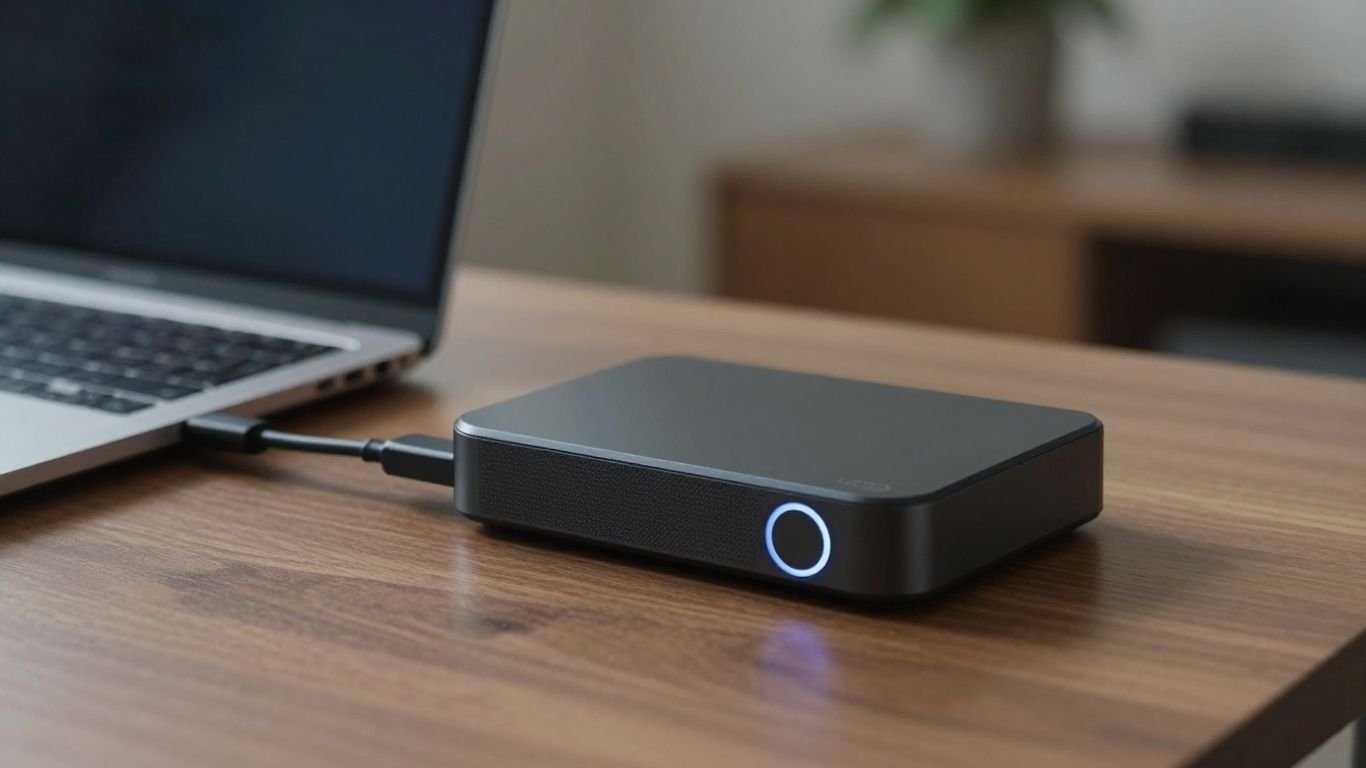
Remote Work Power-Up: Backup Solutions
Working from home is great, right? No commute, comfy clothes, maybe even your pet by your side. But what happens when the power goes out? Suddenly, your cozy home office becomes a dark, disconnected space. Your internet dies, your laptop battery drains, and that important client call? Gone. It’s a real bummer, and it can mess up your whole workday, not to mention your income if you’re self-employed. This is why having a solid backup power plan for remote work isn’t just a nice-to-have anymore; it’s pretty much a must-have to keep things running smoothly, no matter what the grid throws at you.
Key Takeaways
- Your home office relies heavily on electricity for your modem, router, and computer. Losing power means losing your connection and your ability to work.
- Laptop batteries only last so long, and peripherals like monitors also need power, making extended outages a major productivity killer.
- Backup power solutions, like UPS devices and portable power stations, can keep your essential electronics running during blackouts, preventing data loss and missed deadlines.
- Choosing the right backup power system involves looking at how much power your devices need, how long you need the backup to last, and how portable the unit is.
- Regularly checking your backup power system’s charge and testing its functionality is important to make sure it’s ready when you need it.
Understanding Remote Work’s Power Dependency
Working from home has its perks, but it also means your productivity is tied directly to the power grid. It’s easy to forget just how much we rely on electricity until the lights go out. For remote employees, this dependency isn’t just about comfort; it’s about their ability to do their jobs. Reliable power for remote employees means more than just a charged laptop.
The Critical Role of Modems and Routers
Your internet connection is the lifeline for remote work. That little box that brings the internet into your home – your modem and router – usually needs constant power. If the power flickers, even for a second, these devices can shut down and take a few minutes to restart. During that time, you’re offline. Video calls drop, emails don’t send, and cloud documents are out of reach. It’s a real problem when you’re on a deadline or in an important meeting.
Laptop Battery Limitations in Extended Outages
Laptops have batteries, sure, but they don’t last forever. A typical workday, especially one filled with video conferences and demanding software, can drain a laptop battery in just a few hours. If a power outage stretches on longer than your battery can handle, your work stops. This is where things get tricky, especially if you also need to power other gear.
Essential Peripherals and Their Power Needs
Most home offices aren’t just a laptop. Think about external monitors, docking stations, desk lamps, phone chargers, and maybe even a small printer. All these items need their own power. When the main power goes out, these peripherals become useless, making your workspace less functional and potentially slowing you down even more. It’s a chain reaction of power needs that can quickly halt your workday.
The modern remote work setup is surprisingly fragile. It relies on a constant flow of electricity to keep the internet running and all your devices powered. Without a backup plan, even a minor power blip can cause significant disruptions to your work, impacting deadlines and communication.
Here’s a quick look at what’s at stake:
- Internet Connectivity: Modems and routers need continuous power to stay online.
- Device Uptime: Laptops have limited battery life, and other peripherals require direct power.
- Data Integrity: Sudden shutdowns can lead to lost work or corrupted files.
- Productivity: Any interruption means lost work time and potential missed opportunities.
For many, a secondary internet connection, like cellular backup, can be a lifesaver for maintaining internet access during outages. It’s about having a plan B when the grid fails.
Securing Your Digital Workspace with Backup Power
When you work from home, your office setup relies heavily on electricity. It’s easy to forget about this dependency until the lights go out. A sudden blackout can do more than just make your workspace dark; it can halt your work, potentially damage your equipment, and lead to lost data. Having a backup power plan is not just a convenience; it’s a necessity for maintaining productivity and protecting your digital assets.
The Immediate Impact of Power Interruptions
Think about what happens the moment the power cuts out. Your modem and router, the gateways to your internet, will likely shut down. This means your Wi-Fi disappears, and any video calls or online tasks you were doing will abruptly stop. Even if your laptop has a battery, it won’t power your modem or router. This interruption can last for minutes, which feels like an eternity when you’re on a deadline or in an important meeting. Beyond connectivity, other devices like external monitors, charging stations for your phone, or even a desk lamp all need power to function.
Protecting Against Data Loss and Corruption
One of the most stressful outcomes of a power outage is data loss. If your computer shuts down unexpectedly, any unsaved work can be gone forever. This isn’t just about losing a document; it can mean losing hours of effort. Furthermore, sudden power loss can sometimes corrupt files or even damage the storage drives themselves. While cloud services offer some protection by saving work in real time, they still require an internet connection, which is lost during an outage. Local backups, like external hard drives, are a good idea, but they don’t help if your computer itself is damaged or if you can’t access your files because your network is down. Having a backup power source means you can save your work properly and shut down your systems safely, preventing these issues. It’s a good idea to have a plan for offsite data backups as well.
Ensuring Continuous Productivity During Blackouts
When the power goes out, your work shouldn’t have to stop. Backup power solutions act as a bridge, keeping your critical devices running until the main power is restored. This means you can continue participating in meetings, finish urgent tasks, and keep your clients or colleagues updated. For extended outages, portable power stations can keep your entire home office running, including your internet equipment, computer, and any other peripherals you need. This continuity is vital for maintaining your professional reputation and income, especially if you’re self-employed. It provides peace of mind, knowing that a simple power flicker won’t derail your entire workday. A well-prepared home office can handle unexpected events, allowing you to stay productive no matter what happens with the grid. For example, a home microgrid can be designed to keep essential appliances powered.
Essential Backup Power Solutions for Home Offices
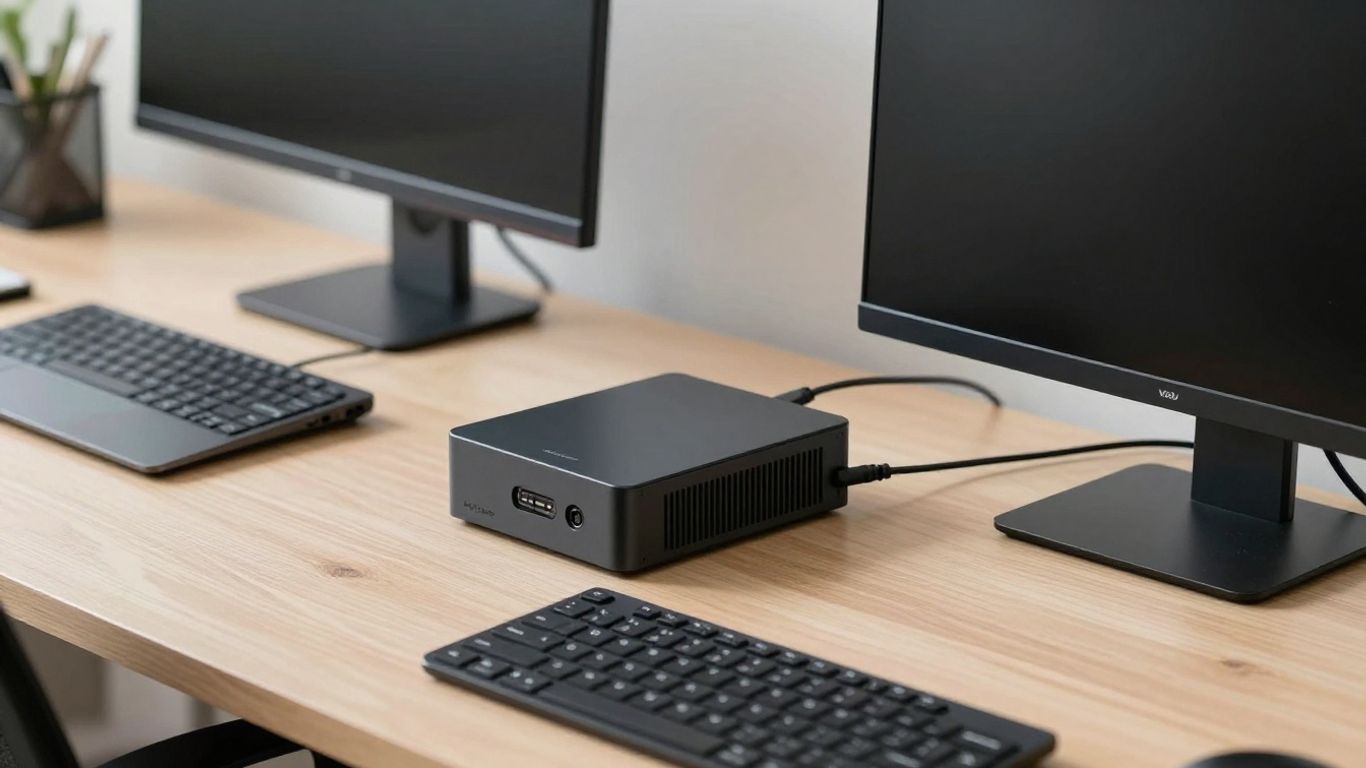
When the lights go out, your home office doesn’t have to stop working. Having a plan for power outages is super important if you work from home, whether it’s full-time or just a few days a week. Losing electricity can really mess up your whole day, shutting down your computer and internet right when you need them most. Without some kind of backup power, you might lose work you haven’t saved, miss deadlines, and lose touch with your team. For self-employed folks, an outage can even hit your wallet directly. Every minute offline means missed chances and unhappy clients.
Uninterruptible Power Supplies (UPS) for Electronics
An Uninterruptible Power Supply, or UPS, is a device that gives your electronics a temporary power boost when the main electricity cuts out. Think of it as a safety net. It kicks in almost instantly, giving you just enough time to save your files and shut down your computer properly. This prevents data loss and also protects your gear from damage caused by sudden power surges or spikes. Many UPS units also have built-in voltage regulators to keep the power steady, which is great for sensitive equipment. When picking one, check how much power it can handle (its VA rating) and how many devices you can plug into it. A good uninterruptible power supply for home office is a must-have for any remote worker.
Portable Power Stations for Extended Runtime
For longer power interruptions, a UPS might not be enough. That’s where portable power stations come in. These are basically big batteries that can power multiple devices for hours, sometimes even days. They’re super handy because they’re quiet, don’t produce fumes like gas generators, and are often rechargeable from various sources, including solar panels. If you need to keep your internet running, your laptop charged, and maybe even a small fridge going, a portable power station is a solid choice. They offer a flexible way to keep your home office running during extended outages. These are a great part of your home office power outage solutions.
Whole-Home Backup Generators
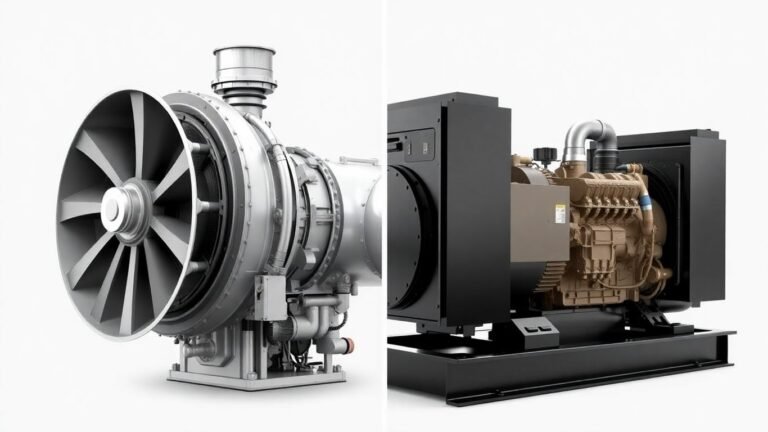
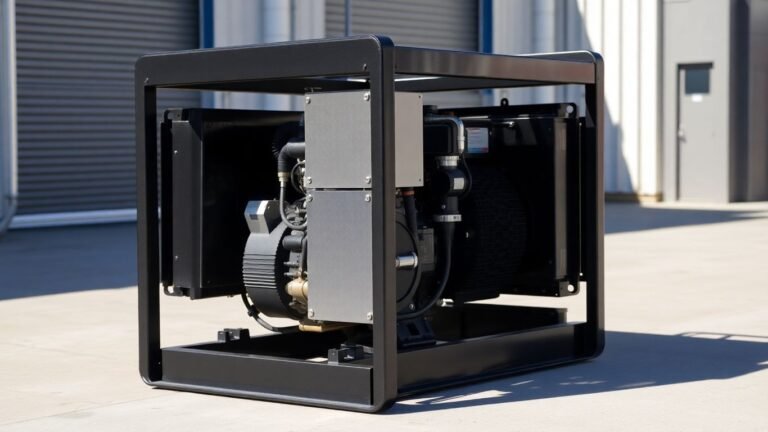
If you need serious power for longer periods, or want to keep more than just your office equipment running, a whole-home backup generator might be the way to go. These are more powerful than portable stations and can keep your lights, heating, and major appliances running. They automatically turn on when the power goes out, so you don’t have to do anything. While they are a bigger investment, they offer the most comprehensive protection against extended blackouts. For many, a generator is the ultimate backup battery for working from home solution, providing peace of mind.
Preparing for power outages isn’t just about keeping your computer on; it’s about maintaining your livelihood and reducing stress. Having a backup power strategy means you can continue working, communicate with your team, and protect your valuable data, no matter what happens with the grid.
Choosing the Right Backup Power System
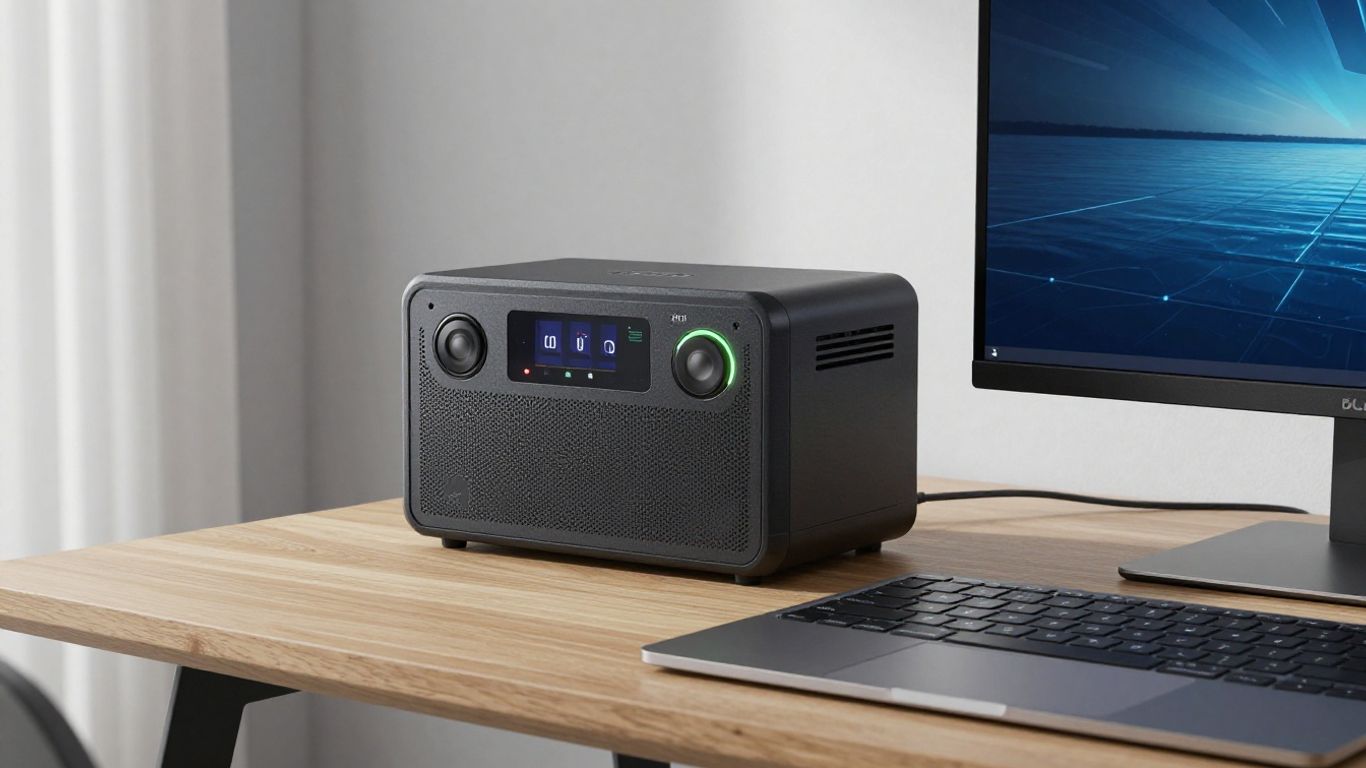
So, you’ve figured out you need some backup power. Great! But now comes the tricky part: picking the right system. It’s not a one-size-fits-all deal, and what works for your neighbor might not be the best fit for your home office setup. We need to look at what you’re powering, for how long, and what your budget looks like.
Assessing Your Home Office Power Requirements
First things first, let’s figure out what absolutely needs to stay on when the lights go out. Your internet modem and router are usually top of the list, followed closely by your computer, monitor, and maybe a desk lamp. You can usually find the power draw (in watts) on the little power bricks or labels attached to your devices. Add those up to get a baseline of what you need to cover continuously. Don’t forget about things like your phone charger or any external hard drives you might be using.
It’s also worth thinking about how long you realistically need this backup power to last. Are we talking about just enough time to save your work and shut down gracefully, or do you need to keep working through a multi-hour outage? This is where things get a bit more involved.
Understanding Capacity, Outlets, and Runtime
When you look at backup power devices, you’ll see a few key specs. Capacity is usually measured in Volt-Amps (VA) or Watt-hours (Wh). Think of this as the ‘fuel tank’ size. A higher number means it can power more devices or run for longer. You’ll want a system with a capacity that’s at least 25% more than your total calculated wattage to give it some breathing room.
Then there are the outlets. Count up all the devices you want to power. Does the backup unit have enough ports? Some smaller units might only have a couple, while larger ones can handle quite a few. It’s a pain to have to choose which device gets power and which doesn’t.
Runtime is pretty straightforward: it’s how long the unit can supply power. This is directly tied to its capacity and the total power draw of your connected devices. If you’re in an area with frequent, long outages, you’ll want to prioritize longer runtimes. For many remote workers, aiming for enough power to cover a standard 8-hour workday is a good target, plus a little extra just in case.
Evaluating Charging Sources and Portability
How do you recharge your backup power system? Most portable power stations can be charged via a standard wall outlet, which is convenient when the power is on. But what about during an extended outage? Many units also support charging from your car’s 12V outlet, which can be a lifesaver on the road. And for the truly off-grid or prepared folks, solar charging is an option. This means you can keep your system topped up as long as there’s sunlight, making it a great choice for longer-term power independence. Some systems even offer hybrid charging, allowing you to use multiple methods. Check out some top power station reviews to see what’s out there.
Portability is another factor. If you might need to move your backup power source to different locations, or even take it with you on trips, a lighter, more compact unit will be better. However, portability often comes with a trade-off in capacity or runtime. You need to balance how often you’ll move it against how much power you need when it’s stationary.
Finally, consider the type of system. For your modem and router, a small, dedicated Uninterruptible Power Supply (UPS) is often best because it switches over instantly. You can then plug that UPS into a larger portable power station for extended runtime. This layered approach gives you the best of both worlds: immediate protection against brief flickers and the ability to keep working through longer blackouts. For whole-home solutions, you might look into something more robust, but for a home office, a combination of UPS and a portable power station is usually a solid bet. Unlike a traditional generator, these systems are quiet and produce no fumes, making them suitable for indoor use. Microgrids offer a more advanced, integrated approach for those needing maximum reliability.
Strategic Implementation of Backup Power
So, you’ve got your backup power gear picked out. Awesome. Now, how do you actually put it to work without making things more complicated than they need to be? It’s not just about plugging things in; it’s about making sure your setup works when you actually need it.
Conducting a Home Office Power Audit
First things first, you gotta know what you’re powering. Don’t just guess. Grab a notepad and list out everything that absolutely has to stay on during an outage. We’re talking your modem, your router, your main work computer, maybe a monitor or two. Check the little power bricks or the labels on your devices for their wattage. Add them all up. This gives you your baseline "must-survive" load. It’s like taking inventory before a big move – you need to know what you’re dealing with.
- Modem
- Wi-Fi Router
- Primary Laptop
- External Monitor(s)
- Desk Lamp
Selecting Appropriate Capacity for Your Needs
Once you know your total wattage, you can figure out how long you need power. For most remote workers, aiming for a full 8-hour workday, plus a little extra just in case, is a good target. If your power flickers out often, you might want more. If you’re just looking to save your work and ride out short outages, less might do. Think about your typical workday and your area’s outage history. Some portable power stations have expandable batteries, so you can start smaller and add more juice later if your needs change. This flexibility is pretty handy.
Don’t overbuy if you don’t need it, but definitely don’t undershoot. Finding that sweet spot means your backup power actually works for you, not against you.
Integrating Power Stations and UPS Devices
Here’s where things get a bit layered, and it’s smart. For your internet gear – the modem and router – a small, dedicated Uninterruptible Power Supply (UPS) is a great idea. These switch over in milliseconds, so your internet doesn’t even blink. Then, plug that UPS into your main portable power station. This way, the UPS handles tiny blips and keeps your network alive instantly, while the bigger power station gives you hours of runtime. For other devices, like your laptop or monitor, you can plug them directly into the power station. This tiered approach gives you robust protection. If you’re looking to keep critical systems running, consider solutions like mobile microgrids for rapid deployment.
| Device Type | Power Draw (Watts) | Runtime Needed (Hours) | Recommended Solution |
|---|---|---|---|
| Modem/Router | 20-50 | Continuous | Small UPS + Power Station |
| Laptop | 50-100 | 8+ | Power Station |
| Monitor | 25-75 | 8+ | Power Station |
| Desk Lamp | 10-20 | 4+ | Power Station |
This setup ensures that your connection stays live and your work continues without interruption, even when the grid goes dark. It’s about building a resilient digital workspace that can withstand unexpected power events, much like how variable renewables need robust backup strategies.
Maintaining Your Backup Power Readiness
So, you’ve got your backup power systems all set up – that’s great! But just like your car needs gas and regular check-ups, these power solutions need a little attention to make sure they’re actually ready when you need them. It’s not a set-it-and-forget-it kind of deal, unfortunately.
Keeping Your Power Station Charged
This might sound obvious, but it’s easy to overlook. Your portable power station is only useful if it has juice. Most experts suggest keeping it charged between 50% and 80% if it’s not in regular use. This range is generally best for the long-term health of the battery. If you know an outage is likely, or if you’ve used it recently, top it off. Think of it like keeping your phone charged – you wouldn’t want to grab it and find it dead, right?
Regular Testing and System Checks
How do you know if that power station will actually work when the lights go out? You test it. It’s a good idea to do a quick check every few months. Unplug your essential gear from the wall outlet and plug it into your power station instead. Let it run for about 30 minutes. This not only confirms it’s working but also helps you get familiar with how it operates and how long your devices can run on it. It’s also a good time to check any cables or connections for wear and tear.
Understanding Recharge Options
When your power station does run low, or after you’ve used it during an outage, you’ll need to recharge it. Most units offer several ways to do this. You can usually plug them into a standard wall outlet, use a car adapter (great for when you’re on the go or if the grid is down but your car works), or even use solar panels. Knowing these options beforehand means you won’t be caught off guard. Having a plan for recharging, especially if the outage is prolonged, is key to staying powered up.
Keeping your backup power systems in good shape is just as important as having them in the first place. A little bit of regular maintenance goes a long way to ensuring you can keep working, even when the grid can’t.
Here’s a quick rundown of what to check:
- Charge Level: Is it within the recommended range (50-80% for storage)?
- Connections: Are all cables and ports clean and undamaged?
- Functionality: Does it power your devices when tested?
- Recharge Method: Do you know how you’ll recharge it when needed?
For more on setting up your home office, you might find information on microgrids helpful for understanding broader power resilience.
Powering Your Productivity, No Matter What
So, we’ve talked about how easily your remote work can get knocked offline when the power goes out. It’s not just about a dark room; it’s about lost files, missed meetings, and frustrated clients. Having a solid backup plan, both for your data and your power, isn’t really a luxury anymore. It’s just part of doing business when your office is at home. Whether it’s a small UPS for your computer and router or a bigger portable power station to keep everything running for hours, taking these steps means you can keep working, stay connected, and avoid a whole lot of stress when the unexpected happens. It’s about making sure your home office is as reliable as you are.
Frequently Asked Questions
Why is backup power so important for remote workers?
When you work from home, your computer, internet, and other tools all need electricity. If the power goes out, you can lose your work, miss important meetings, and stop being productive. Backup power keeps your essential devices running so you can keep working even when the electricity is off.
What’s the difference between a UPS and a portable power station?
A UPS (Uninterruptible Power Supply) is like a small, instant backup battery for specific devices like your computer or router. It kicks in right away when the power fails, giving you time to save your work. A portable power station is a bigger battery that can power multiple devices for much longer, like for several hours or even a full day.
How do I figure out how much backup power I need?
First, list all the devices you absolutely need to keep running during an outage (like your modem, router, and computer). Then, find out how much power each device uses (usually in watts). Add those numbers up to get your total power need. It’s good to get a backup system that can handle a bit more than your total, just to be safe.
Can a portable power station charge my phone and laptop?
Yes, most portable power stations have regular outlets (like the ones in your wall) and USB ports. This means you can plug in your laptop charger, phone charger, and other small electronics just like you normally would.
How often should I check my backup power system?
It’s a good idea to check your backup power system regularly, maybe every few months. Make sure it’s charged up, and try running your essential devices from it for a short time to ensure it’s working correctly. This is like testing a smoke alarm – you want to know it’s ready when you need it.
Can I recharge a portable power station using solar panels?
Absolutely! Many portable power stations can be recharged using solar panels. This is a great option if you experience long power outages or want a more sustainable way to keep your backup power ready. Just make sure the solar panels are compatible with your power station.